AI Governance

The AI Ticket Surge: Why IT Teams Are Drowning in Requests

Share via:
Written by:
CloudEagle.ai Team
Reviewed by
Nidhi Jain
Last Updated:
November 16, 2026
blog-cms-banner-bg
Little-Known Negotiation Hacks to Get the Best Deal on Slack
cta-bg-blogDownload Your Copy

HIPAA Compliance Checklist for 2025

Download PDF

‍

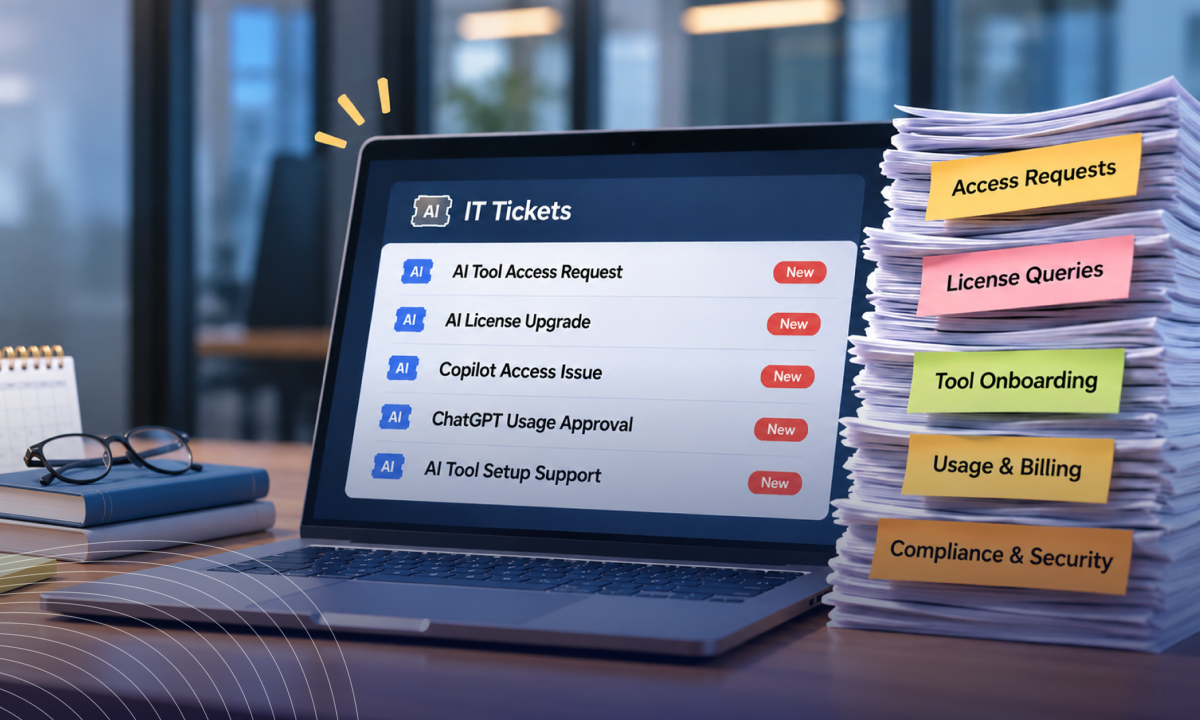
"Can we get access to Claude?" "Is ChatGPT approved?" "Can you enable the AI features in our CRM?"

For IT teams, these aren't occasional questions anymore. They're becoming another regular part of the support queue.

Employees are adopting AI faster than IT can evaluate, approve, and manage it. And every new tool brings another round of requests, reviews, and access decisions.

So, why is this happening, and how can IT teams keep up without drowning in tickets?

‍

1. Why Is AI Flooding IT Ticket Queues?

AI is flooding IT queues because employees can adopt new tools quickly, while each application still requires IT to evaluate its usage, access, and business requirements. Here are the three main factors driving this workload.

A. Why Can Anyone Adopt an AI Tool in Minutes?

Employees no longer need IT to install specialized software before experimenting with AI.

They can open a browser, create a free account, and start using ChatGPT, Claude, Gemini, or another AI assistant immediately.

This creates two types of IT requests:

  • Direct requests: Employees ask IT to approve an application, provide licenses, or enable access.
  • Unreported adoption: Employees start using personal accounts and approach IT only when something goes wrong.

The problem extends beyond general-purpose chatbots. Employees also discover AI meeting assistants, coding copilots, research platforms, and specialized writing applications.

Each department has different requirements. Developers might request coding assistants, while marketing teams need content-generation tools.

IT must understand these requirements without allowing every department to introduce applications independently.

‍

Your AI Inventory Has Blind Spots

Discover what's missing.
Find The Gaps

‍

B. Why Are AI Features Appearing Inside Apps You Already Approved?

AI adoption isn't limited to entirely new applications. Existing software vendors are adding AI capabilities to products employees already use.

Consider a company using a collaboration platform, CRM, or project management application. A vendor introduces an AI assistant, automated summaries, or AI-powered recommendations.

Employees may start using these features without submitting a new software request.

However, the new capabilities can introduce additional questions for IT:

  • Does the AI feature access existing company data?
  • Which employees can use it?
  • Does enabling it require additional licenses?
  • Are there new administrative settings to configure?
  • Does the feature introduce different data processing practices?

IT may have already approved the original application. But that doesn't automatically mean every newly introduced AI capability is suitable for unrestricted use.

These changes create another stream of evaluation work, even when employees aren't requesting new applications.

C. Why Do AI Requests Need More Than a Standard IT Response?

A traditional software request often follows a familiar process. IT checks compatibility, confirms licensing, assigns access, and closes the ticket.

AI requests require more context.

Two employees requesting the same AI application might have completely different requirements. One may use it to summarize public information. Another may need to process internal documents or customer data.

IT needs to understand:

  • The intended business use case.
  • The type of information employees will share.
  • The application's data retention practices.
  • The access and administrative controls available.
  • Whether an approved alternative already exists.

This makes AI requests difficult to resolve using standard ticket templates. Without a consistent evaluation process, IT teams end up investigating similar questions repeatedly.

‍

2. What Does a Flooded IT Queue Cost?

A growing AI request backlog costs IT more than the time spent responding to individual tickets. It creates operational delays, fragmented AI usage, and additional work across existing IT processes.

Consider four consequences:

  • More time spent on triage: IT teams repeatedly investigate unfamiliar applications, compare alternatives, and clarify employee requirements.
  • Slower request resolution: AI evaluations compete with password resets, access requests, onboarding, and other support responsibilities.
  • Overlapping subscriptions: Different departments may independently request applications with similar capabilities.
  • Unreviewed application usage: Delayed evaluations leave employees using tools IT hasn't properly assessed.

The problem is already visible in IT operations. Business Wire found that 46% of IT professionals said new software deployments increase ticket volume.

AI adoption adds another source of software-related workload.

Meanwhile, the University of Melbourne and KPMG's 2025 global AI study found that 70% of employees who use AI at work access free, publicly available tools. Only 34% reported having organizational guidance on generative AI usage.

These findings highlight the gap between employee adoption and organizational support.

‍

Your IT Stack Has Uninvited Guests

Expose rogue apps and hidden AI.
Find Them

‍

3. How Can IT Teams Reduce AI Ticket Volume?

IT cannot prevent employees from discovering new AI applications. But it can reduce repetitive requests by establishing visibility, consistent evaluation criteria, and clear usage guidelines.

A. How Can IT Build an Inventory of AI Tools in Use?

IT needs a clear picture of the AI applications employees already use before deciding which requests require attention.

Start by identifying applications through available sources, such as:

  • SSO and identity provider records.
  • Browser activity and application discovery.
  • Network and firewall logs.
  • Existing software inventories.
  • Employee-submitted application requests.

An inventory should capture more than application names. IT should also record which employees use each tool, its business purpose, account ownership, and available access controls.

This helps IT identify duplicate applications, frequently used tools, and applications that need evaluation.

B. How Should IT Tier AI Approvals by Data Sensitivity?

Not every AI application needs the same level of evaluation. IT can introduce different approval paths based on the information an application will process.

‍

Approval tier Intended usage IT's approach
Basic Public information and general productivity Lightweight review
Intermediate Internal business information Review data handling and access controls
Advanced Customer records, source code, or sensitive information Detailed evaluation before granting access

‍

This approach helps IT prioritize requests without putting every application through the same lengthy process.

For example, an AI tool used to generate ideas from public information may need fewer checks than one processing proprietary source code.

The review should match the application's intended use, not just its category or popularity.

C. What Data Usage Rules Should IT Communicate to Employees?

Employees need clear instructions about what they can and cannot share with AI applications.

Generic warnings about responsible AI usage rarely help employees make decisions during everyday work. Instead, IT should publish practical examples.

‍

Data type Recommended guidance
Public information Generally acceptable in approved AI tools
Internal meeting notes Use only tools approved for internal information
Customer information Require an approved workflow and appropriate data controls
Passwords and credentials Never enter them into AI prompts
Source code and intellectual property Use approved tools with suitable data handling controls

‍

Make these guidelines accessible through the IT portal, onboarding materials, and application request process.

Employees should also know where to ask questions when a use case falls outside the published rules.

‍

4. How Does CloudEagle.ai Help IT Teams Govern Shadow AI?

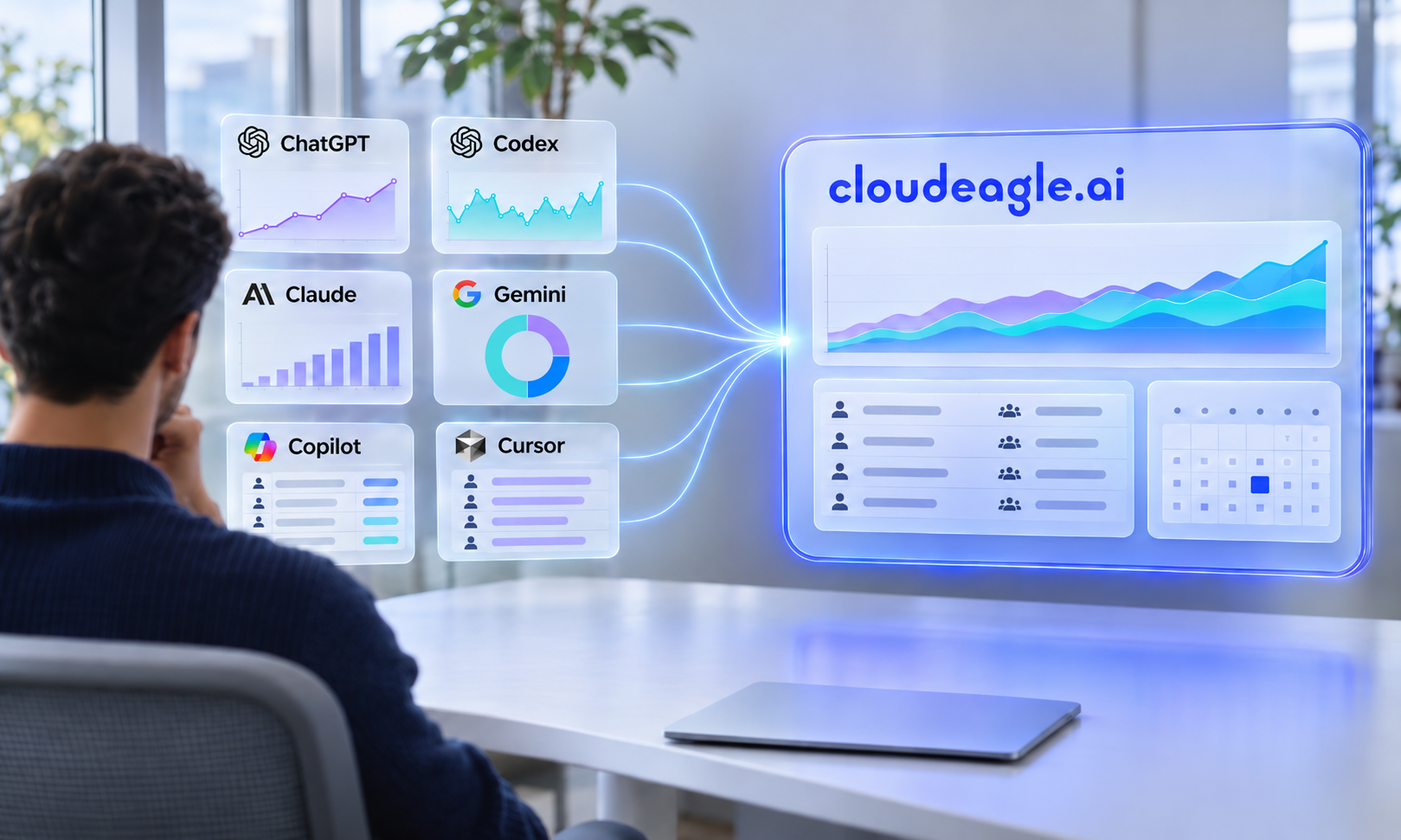
Employees adopt AI tools before IT can review them, creating blind spots around usage, data, and spend. CloudEagle.ai helps IT teams govern Shadow AI through discovery, risk scoring, browser-level enforcement, and usage monitoring.

A. Discover Shadow AI Across the Organization

CloudEagle.ai correlates SSO, browser, finance, and security signals across seven discovery layers into one inventory of sanctioned and unsanctioned AI apps.

B. Prioritize High-Risk AI Applications

Risk scores weigh security posture, data residency, training data use, and compliance, helping teams approve, restrict, or investigate apps instead of relying on a blanket blocklist.

C. Redirect Employees From Unapproved AI Tools

Secure Browsing detects unapproved AI apps and shows a flash page redirecting employees to an approved alternative. Rules apply by user, team, department, or application, and every redirect is logged.

D. Prevent Sensitive Data From Reaching AI Tools

DLP controls inspect prompts before they reach the model, covering sanctioned and shadow AI. Policies cover PII, PHI, card numbers, financial data, and source code.

E. Monitor AI Usage and Enforce Spending Limits

AI Usage Control tracks spend by user, department, project, and model, with budgets, alerts, approval workflows, and invoice reconciliation.

F. Govern AI Agents and Non-Human Identities

CloudEagle.ai inventories AI agents and non-human identities, showing ownership, permissions, and activity so IT can reassign, review, or shut them down.

‍

‍

5. Conclusion

The AI ticket surge reflects a fundamental change in how employees adopt workplace technology. Applications and features can enter the organization faster than IT can evaluate and manage them.

Trying to handle every request individually will only increase the workload.

IT teams need a repeatable approach to discovering applications, prioritizing reviews, communicating approved options, and managing access.

The goal isn't to slow AI adoption. It's to make adoption easier to support without turning every new AI application into another IT ticket.

‍

6. FAQs

1. Why are AI-related IT tickets increasing?

Employees are adopting AI applications independently, requesting access to new tools, and exploring AI features in existing software. Each introduces new evaluation and support requirements.

2. What are common AI-related IT service requests?

Common requests include AI tool approvals, license access, application recommendations, AI feature activation, data usage questions, and troubleshooting.

3. How can IT teams manage increasing AI requests?

IT can maintain an AI application inventory, introduce risk-based approval paths, publish approved tools, and provide clear employee usage guidelines.

4. Should IT approve every AI tool employees request?

No. IT should evaluate each request based on its business purpose, data requirements, available controls, and existing approved alternatives.

‍

Advertisement for a SaaS Subscription Tracking Template with a call-to-action button to download and a partial graphic of a tablet showing charts.Banner promoting a SaaS Agreement Checklist to streamline SaaS management and avoid budget waste with a call-to-action button labeled Download checklist.Blue banner with text 'The Ultimate Employee Offboarding Checklist!' and a black button labeled 'Download checklist' alongside partial views of checklist documents from cloudeagle.ai.Digital ad for download checklist titled 'The Ultimate Checklist for IT Leaders to Optimize SaaS Operations' by cloudeagle.ai, showing checklist pages.Slack Buyer's Guide offer with text 'Unlock insider insights to get the best deal on Slack!' and a button labeled 'Get Your Copy', accompanied by a preview of the guide featuring Slack's logo.Monday Pricing Guide by cloudeagle.ai offering exclusive pricing secrets to maximize investment with a call-to-action button labeled Get Your Copy and an image of the guide's cover.Blue banner for Canva Pricing Guide by cloudeagle.ai offering a guide to Canva costs, features, and alternatives with a call-to-action button saying Get Your Copy.Blue banner with white text reading 'Little-Known Negotiation Hacks to Get the Best Deal on Slack' and a white button labeled 'Get Your Copy'.Blue banner with text 'Little-Known Negotiation Hacks to Get the Best Deal on Monday.com' and a white button labeled 'Get Your Copy'.Blue banner with text 'Little-Known Negotiation Hacks to Get the Best Deal on Canva' and a white button labeled 'Get Your Copy'.Banner with text 'Slack Buyer's Guide' and a 'Download Now' button next to images of a guide titled 'Slack Buyer’s Guide: Features, Pricing & Best Practices'.Digital cover of Monday Pricing Guide with a button labeled Get Your Copy on a blue background.Canva Pricing Guide cover with a button labeled Get Your Copy on a blue gradient background.

Enter your email to
unlock the report

Oops! Something went wrong while submitting the form.
License Count
Benchmark
Per User/Per Year

Enter your email to
unlock the report

Oops! Something went wrong while submitting the form.
License Count
Benchmark
Per User/Per Year

Enter your email to
unlock the report

Oops! Something went wrong while submitting the form.
Notion Plus
License Count
Benchmark
Per User/Per Year
100-500
$67.20 - $78.72
500-1000
$59.52 - $72.00
1000+
$51.84 - $57.60
Canva Pro
License Count
Benchmark
Per User/Per Year
100-500
$74.33-$88.71
500-1000
$64.74-$80.32
1000+
$55.14-$62.34

Enter your email to
unlock the report

Oops! Something went wrong while submitting the form.

Enter your email to
unlock the report

Oops! Something went wrong while submitting the form.
Zoom Business
License Count
Benchmark
Per User/Per Year
100-500
$216.00 - $264.00
500-1000
$180.00 - $216.00
1000+
$156.00 - $180.00

Enter your email to
unlock the report

Oops! Something went wrong while submitting the form.

Get the Right Security Platform To Secure Your Cloud Infrastructure

Please enter a business email
Thank you!
The 2023 SaaS report has been sent to your email. Check your promotional or spam folder.
Oops! Something went wrong while submitting the form.

Access full report

Please enter a business email
Thank you!
The 2023 SaaS report has been sent to your email. Check your promotional or spam folder.
Oops! Something went wrong while submitting the form.

TL;DR

  • AI-related IT tickets are increasing as employees adopt new tools independently and explore AI features in existing applications.
  • Each request requires IT to assess business needs, data sensitivity, access controls, licensing, and vendor practices.
  • Growing ticket volumes create slower resolutions, repetitive evaluations, overlapping subscriptions, and unreviewed AI usage.
  • IT can reduce the workload through centralized AI discovery, risk-based approval paths, and clear employee usage guidelines.‍
  • CloudEagle.ai helps IT teams govern Shadow AI through application discovery, risk scoring, browser-level redirection, prompt-level DLP, AI spend monitoring, and AI agent governance.

‍

"Can we get access to Claude?" "Is ChatGPT approved?" "Can you enable the AI features in our CRM?"

For IT teams, these aren't occasional questions anymore. They're becoming another regular part of the support queue.

Employees are adopting AI faster than IT can evaluate, approve, and manage it. And every new tool brings another round of requests, reviews, and access decisions.

So, why is this happening, and how can IT teams keep up without drowning in tickets?

‍

1. Why Is AI Flooding IT Ticket Queues?

AI is flooding IT queues because employees can adopt new tools quickly, while each application still requires IT to evaluate its usage, access, and business requirements. Here are the three main factors driving this workload.

A. Why Can Anyone Adopt an AI Tool in Minutes?

Employees no longer need IT to install specialized software before experimenting with AI.

They can open a browser, create a free account, and start using ChatGPT, Claude, Gemini, or another AI assistant immediately.

This creates two types of IT requests:

  • Direct requests: Employees ask IT to approve an application, provide licenses, or enable access.
  • Unreported adoption: Employees start using personal accounts and approach IT only when something goes wrong.

The problem extends beyond general-purpose chatbots. Employees also discover AI meeting assistants, coding copilots, research platforms, and specialized writing applications.

Each department has different requirements. Developers might request coding assistants, while marketing teams need content-generation tools.

IT must understand these requirements without allowing every department to introduce applications independently.

‍

Your AI Inventory Has Blind Spots

Discover what's missing.
Find The Gaps

‍

B. Why Are AI Features Appearing Inside Apps You Already Approved?

AI adoption isn't limited to entirely new applications. Existing software vendors are adding AI capabilities to products employees already use.

Consider a company using a collaboration platform, CRM, or project management application. A vendor introduces an AI assistant, automated summaries, or AI-powered recommendations.

Employees may start using these features without submitting a new software request.

However, the new capabilities can introduce additional questions for IT:

  • Does the AI feature access existing company data?
  • Which employees can use it?
  • Does enabling it require additional licenses?
  • Are there new administrative settings to configure?
  • Does the feature introduce different data processing practices?

IT may have already approved the original application. But that doesn't automatically mean every newly introduced AI capability is suitable for unrestricted use.

These changes create another stream of evaluation work, even when employees aren't requesting new applications.

C. Why Do AI Requests Need More Than a Standard IT Response?

A traditional software request often follows a familiar process. IT checks compatibility, confirms licensing, assigns access, and closes the ticket.

AI requests require more context.

Two employees requesting the same AI application might have completely different requirements. One may use it to summarize public information. Another may need to process internal documents or customer data.

IT needs to understand:

  • The intended business use case.
  • The type of information employees will share.
  • The application's data retention practices.
  • The access and administrative controls available.
  • Whether an approved alternative already exists.

This makes AI requests difficult to resolve using standard ticket templates. Without a consistent evaluation process, IT teams end up investigating similar questions repeatedly.

‍

2. What Does a Flooded IT Queue Cost?

A growing AI request backlog costs IT more than the time spent responding to individual tickets. It creates operational delays, fragmented AI usage, and additional work across existing IT processes.

Consider four consequences:

  • More time spent on triage: IT teams repeatedly investigate unfamiliar applications, compare alternatives, and clarify employee requirements.
  • Slower request resolution: AI evaluations compete with password resets, access requests, onboarding, and other support responsibilities.
  • Overlapping subscriptions: Different departments may independently request applications with similar capabilities.
  • Unreviewed application usage: Delayed evaluations leave employees using tools IT hasn't properly assessed.

The problem is already visible in IT operations. Business Wire found that 46% of IT professionals said new software deployments increase ticket volume.

AI adoption adds another source of software-related workload.

Meanwhile, the University of Melbourne and KPMG's 2025 global AI study found that 70% of employees who use AI at work access free, publicly available tools. Only 34% reported having organizational guidance on generative AI usage.

These findings highlight the gap between employee adoption and organizational support.

‍

Your IT Stack Has Uninvited Guests

Expose rogue apps and hidden AI.
Find Them

‍

3. How Can IT Teams Reduce AI Ticket Volume?

IT cannot prevent employees from discovering new AI applications. But it can reduce repetitive requests by establishing visibility, consistent evaluation criteria, and clear usage guidelines.

A. How Can IT Build an Inventory of AI Tools in Use?

IT needs a clear picture of the AI applications employees already use before deciding which requests require attention.

Start by identifying applications through available sources, such as:

  • SSO and identity provider records.
  • Browser activity and application discovery.
  • Network and firewall logs.
  • Existing software inventories.
  • Employee-submitted application requests.

An inventory should capture more than application names. IT should also record which employees use each tool, its business purpose, account ownership, and available access controls.

This helps IT identify duplicate applications, frequently used tools, and applications that need evaluation.

B. How Should IT Tier AI Approvals by Data Sensitivity?

Not every AI application needs the same level of evaluation. IT can introduce different approval paths based on the information an application will process.

‍

Approval tier Intended usage IT's approach
Basic Public information and general productivity Lightweight review
Intermediate Internal business information Review data handling and access controls
Advanced Customer records, source code, or sensitive information Detailed evaluation before granting access

‍

This approach helps IT prioritize requests without putting every application through the same lengthy process.

For example, an AI tool used to generate ideas from public information may need fewer checks than one processing proprietary source code.

The review should match the application's intended use, not just its category or popularity.

C. What Data Usage Rules Should IT Communicate to Employees?

Employees need clear instructions about what they can and cannot share with AI applications.

Generic warnings about responsible AI usage rarely help employees make decisions during everyday work. Instead, IT should publish practical examples.

‍

Data type Recommended guidance
Public information Generally acceptable in approved AI tools
Internal meeting notes Use only tools approved for internal information
Customer information Require an approved workflow and appropriate data controls
Passwords and credentials Never enter them into AI prompts
Source code and intellectual property Use approved tools with suitable data handling controls

‍

Make these guidelines accessible through the IT portal, onboarding materials, and application request process.

Employees should also know where to ask questions when a use case falls outside the published rules.

‍

4. How Does CloudEagle.ai Help IT Teams Govern Shadow AI?

Employees adopt AI tools before IT can review them, creating blind spots around usage, data, and spend. CloudEagle.ai helps IT teams govern Shadow AI through discovery, risk scoring, browser-level enforcement, and usage monitoring.

A. Discover Shadow AI Across the Organization

CloudEagle.ai correlates SSO, browser, finance, and security signals across seven discovery layers into one inventory of sanctioned and unsanctioned AI apps.

B. Prioritize High-Risk AI Applications

Risk scores weigh security posture, data residency, training data use, and compliance, helping teams approve, restrict, or investigate apps instead of relying on a blanket blocklist.

C. Redirect Employees From Unapproved AI Tools

Secure Browsing detects unapproved AI apps and shows a flash page redirecting employees to an approved alternative. Rules apply by user, team, department, or application, and every redirect is logged.

D. Prevent Sensitive Data From Reaching AI Tools

DLP controls inspect prompts before they reach the model, covering sanctioned and shadow AI. Policies cover PII, PHI, card numbers, financial data, and source code.

E. Monitor AI Usage and Enforce Spending Limits

AI Usage Control tracks spend by user, department, project, and model, with budgets, alerts, approval workflows, and invoice reconciliation.

F. Govern AI Agents and Non-Human Identities

CloudEagle.ai inventories AI agents and non-human identities, showing ownership, permissions, and activity so IT can reassign, review, or shut them down.

‍

‍

5. Conclusion

The AI ticket surge reflects a fundamental change in how employees adopt workplace technology. Applications and features can enter the organization faster than IT can evaluate and manage them.

Trying to handle every request individually will only increase the workload.

IT teams need a repeatable approach to discovering applications, prioritizing reviews, communicating approved options, and managing access.

The goal isn't to slow AI adoption. It's to make adoption easier to support without turning every new AI application into another IT ticket.

‍

6. FAQs

1. Why are AI-related IT tickets increasing?

Employees are adopting AI applications independently, requesting access to new tools, and exploring AI features in existing software. Each introduces new evaluation and support requirements.

2. What are common AI-related IT service requests?

Common requests include AI tool approvals, license access, application recommendations, AI feature activation, data usage questions, and troubleshooting.

3. How can IT teams manage increasing AI requests?

IT can maintain an AI application inventory, introduce risk-based approval paths, publish approved tools, and provide clear employee usage guidelines.

4. Should IT approve every AI tool employees request?

No. IT should evaluate each request based on its business purpose, data requirements, available controls, and existing approved alternatives.

‍

CloudEagle.ai recognized in the 2025 Gartner® Magic Quadrant™ for SaaS Management Platforms
Download now
gartner chart
5x
Faster employee
onboarding
80%
Reduction in time for
user access reviews
30k
Workflows
automated
$15Bn
Analyzed in
contract spend
$2Bn
Saved in
SaaS spend

Streamline SaaS governance and save 10-30%

Book a Demo with Expert
CTA image