%201.svg)


HIPAA Compliance Checklist for 2025

TL;DR
- Model choice, prompt caching, and thinking budgets are the three biggest levers specific to Claude, and none of them exist in quite the same form on other AI tools
- Prompt caching can cut repeated-context costs by up to 90%. Most teams never turn it on
- Extended thinking is billed at the output token rate. An uncapped thinking budget on a complex task can quietly become the most expensive part of the response
- Small fixes, new conversations instead of long ones, batching questions, trimming Project instructions, add up without limiting output quality
- Individual habits reduce Claude token consumption at the person level. Someone still has to catch the account-level and department-level waste that habits cannot see
Ten specific habits. Each one tells you what to change and why it moves the number.
Some apply to any AI tool. A few, prompt caching and thinking budgets specifically, only make sense once you know Claude has them.
This is the individual-level companion to the account-level tracking post, so you know what to fix before checking whether it actually moved.
1. Match the Model to the Task, Not the Habit
Claude's model tiers, Haiku, Sonnet, and Opus, price differently for a reason. Defaulting to the most capable tier out of habit is the fastest way to inflate consumption without noticing.
Drafting, summarizing, extracting information, and basic formatting rarely need Opus. Those tasks run fine on Sonnet or Haiku at a fraction of the cost. Save the top tier for genuinely complex reasoning, nuanced analysis, or long-context work where the capability difference actually matters in the output.
The quick test: if you would not notice a quality difference on this specific task, you are probably paying for capability you are not using.
2. Turn On Prompt Caching for Anything You Repeat
If the same system prompt, reference document, or instruction block gets sent across multiple API calls, caching stores that context and reuses it instead of reprocessing it on every call. The repeated portion's cost drops by up to 90% on cache reads.
This has no real equivalent in the ChatGPT or Gemini usage habits. It is a Claude-specific lever most teams do not know exists, and it requires explicit enablement per request. It does not turn on automatically.
When it applies:
- A shared system prompt used across hundreds of daily API calls
- A reference document that gets re-sent with every query
- Long instruction blocks in automated workflows
The math compounds fast. A 5,000-token system prompt sent 1,000 times per day costs roughly 10 times more without caching than with it.
3. Set a Thinking Budget Before You Need One
Extended thinking is one of Claude's most powerful features for complex reasoning tasks. It is also one of the easiest ways to generate unexpected costs.
Extended thinking tokens are billed at the output token rate, not a separate cheaper rate. An uncapped complex task can generate thousands of thinking tokens before Claude writes the visible answer. By the time the response appears, the expensive part is already done.
Setting a thinking budget upfront caps that cost at a number you chose rather than a number the task determined. For most tasks, a reasonable budget produces equivalent quality to an uncapped one.
How to decide:
- Multi-step reasoning, complex analysis, and long-context synthesis: enable extended thinking with a defined budget
- Drafting, lookup tasks, and straightforward formatting: leave extended thinking off
For the underlying mechanics of how output token pricing compounds:
👉 token economics

4. Start a New Conversation Instead of Extending One
Every message in a continuing conversation resends the full conversation history, not just the new question. A ten-turn thread does not bill for ten individual queries. It bills for one query plus all previous turns, repeated on each new message.
The longer the thread runs, the more each additional question costs, even if the new question is simple.
Starting a fresh conversation once a topic wraps up breaks that compounding effect. It is the single fastest habit change on this list, and it costs nothing in terms of output quality.
The same mechanic applies to ChatGPT and Gemini. Claude is not unique here, but the habit is worth naming because the billing behavior is counterintuitive until you understand it.
5. Use Projects Instead of Re-Pasting the Same Documents
If you regularly work with the same reference documents, style guides, or instruction blocks, re-uploading them at the start of every conversation resends every token in them each time.
Claude's Projects feature keeps shared context loaded for a given workspace rather than requiring it to be re-sent. The Claude-specific version of a habit ChatGPT users solve by re-attaching files manually.
What belongs in a Project:
- Style guides and writing standards you apply repeatedly
- Reference documents that inform most conversations in a given workstream
- Standing instructions that apply across many tasks, not just one
What should not stay in a Project: instructions written for a specific one-time task. See tip 8.
6. Check Which Account You're Actually Logged Into
This one is less about token mechanics and more about whether the other nine tips actually matter.
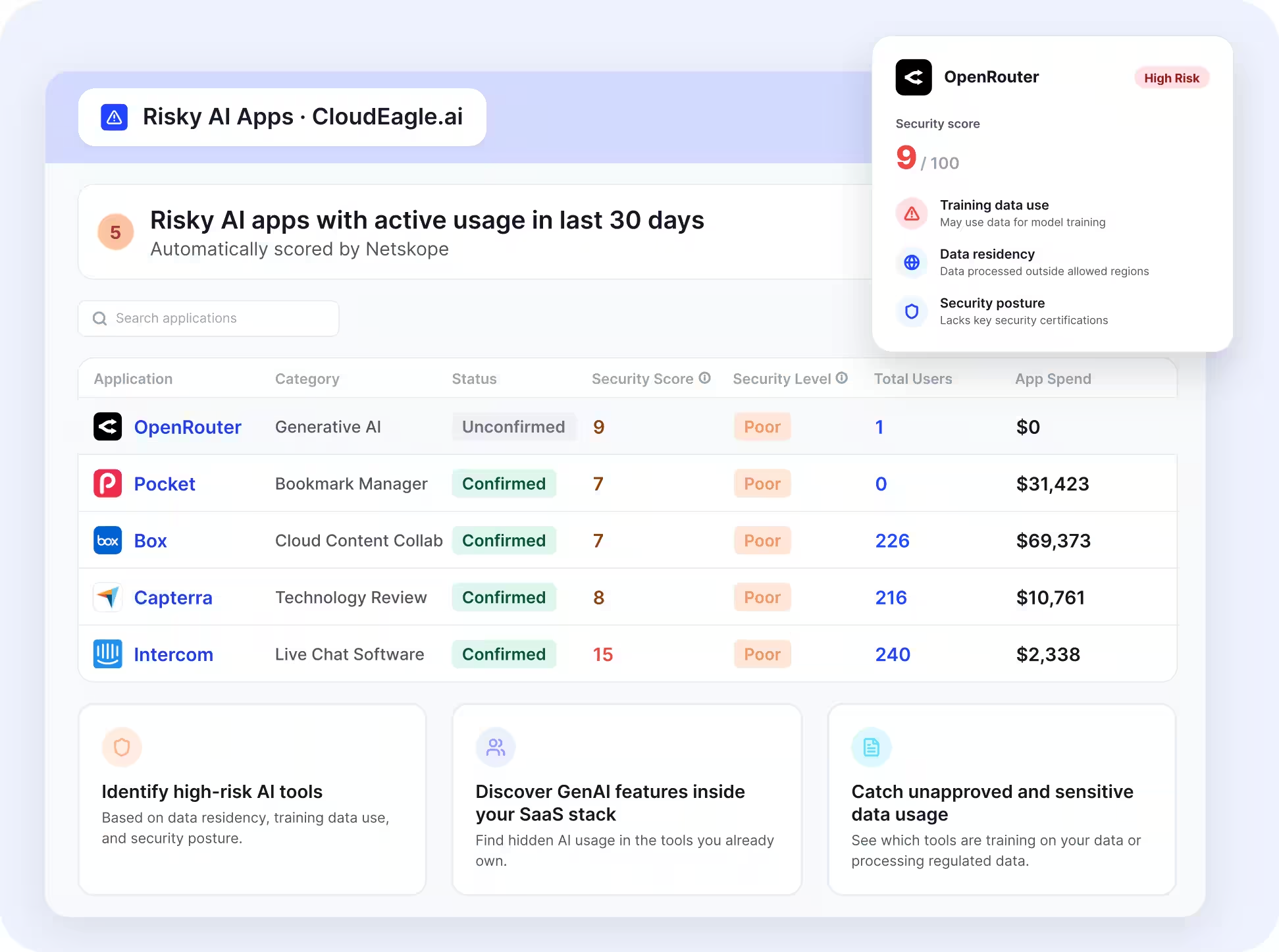
A personal Claude account bypasses every control built around an enterprise seat. Whatever habits get established on the sanctioned account are invisible if the same work is happening on a personal login instead. The usage does not appear in any enterprise dashboard. The spend does not attribute to any team.
For a fuller look at why personal accounts create both cost and compliance exposure:
👉 personal accounts
7. Batch Small Questions Instead of Firing Them One at a Time
Every API call carries fixed overhead regardless of how small the question is. Sending five related questions as one message costs less than sending five separate messages, because each separate call adds overhead on top of the actual content.
For interactive chat use, this is a minor optimization. For programmatic or workflow use where Claude is called repeatedly in a loop, batching eligible requests into a single call meaningfully reduces total consumption.
The same logic applies when using the batch API for latency-tolerant workloads. If results are not needed in real time, the batch endpoint trades turnaround time for a significant cost reduction.
8. Trim Project Instructions and Styles You Forgot Were On
Saved Project instructions and custom styles resend on every conversation turn inside that Project, whether or not the current conversation needs them.
A style guide written for a specific content type keeps taxing every unrelated conversation in that Project afterward. Instructions that were useful once become permanent overhead the moment they are saved and forgotten.
The fix is simple but requires a regular review:
- Audit saved Project instructions quarterly
- Remove anything specific to a past task that does not apply broadly
- Keep only the instructions that genuinely apply to most conversations in that workspace
The same habit applies to ChatGPT custom instructions and Gemini workspace settings. Saved context is only free once. After that, it re-bills on every turn.
9. Pull Usage Reports Regularly, Not When Finance Asks
Claude's own interface shows limited usage detail at the individual level and even less at the team level. Without actively pulling consumption data, the only signal that habits have drifted is a surprise on the next invoice.
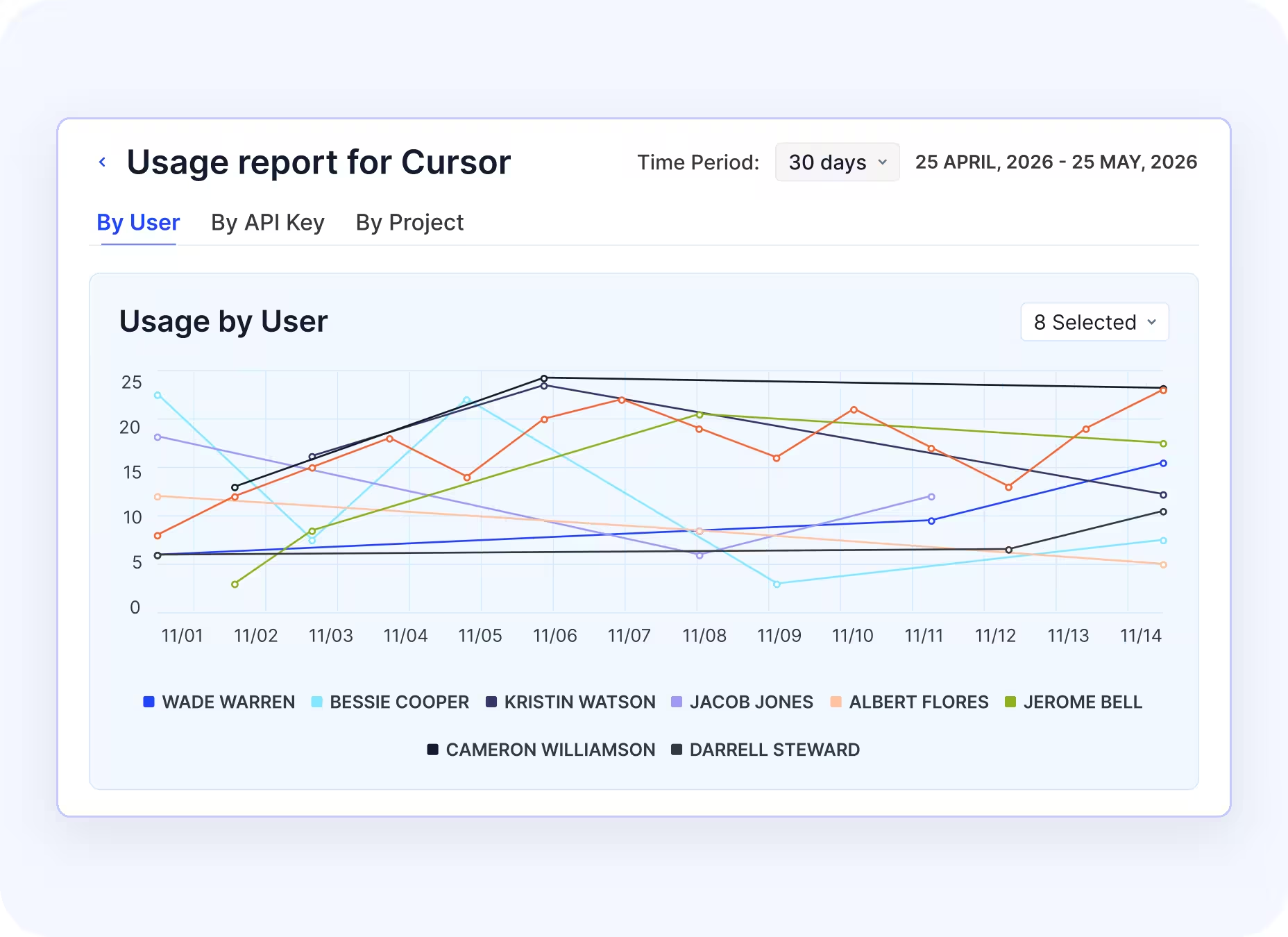
Checking usage regularly means catching problems when they are small rather than when they are already expensive. It also tells you which habits from this list are actually having an effect and which are not.
For teams looking to optimize Claude token usage at the account level beyond what the native dashboard shows:
👉 tracking consumption
Individual Habits Can't Show You the Whole Bill.


10. Ask for Concise Output, Not Just a Short Prompt
Output tokens, including thinking tokens, are billed at a meaningfully higher rate than input tokens. The asymmetry is significant enough that a short prompt requesting a long, unstructured answer costs more than a longer prompt requesting a tight, structured one.
Specifying format moves more cost than trimming length:
- Ask for bullet points instead of paragraphs when bullet points serve the purpose
- Set a word limit or sentence count when approximate length is acceptable
- Request a fixed output structure, such as a table or numbered list, rather than free-form text
- Tell Claude to skip the preamble and get to the answer directly
This is the output-side lever. The input-side lever, shorter prompts, matters less because input tokens are cheaper. Most people work on the cheaper side and leave the expensive side unconstrained.
Final Thoughts
Ten habits. The three that move the most cost for Claude specifically: matching the model tier to the task, enabling prompt caching for repeated context, and setting a thinking budget before extended thinking runs uncapped.
The rest compound on top of those three. None of them require a tool change, a policy update, or a finance approval. They require knowing what to change and actually changing it.
For everything habits cannot see, team-level attribution, model recommendations, and cross-account visibility: 👉 Claude security
Book a demo with CloudEagle.ai to see what your Claude consumption looks like at the account level before deciding which habits to prioritize.
Frequently Asked Questions
1. Does prompt caching work automatically, or do I have to turn it on?
Prompt caching must be explicitly enabled per request. It reuses repeated context instead of processing it again. For workflows with recurring prompts or documents, cache reads can significantly reduce input-token costs.
2. How do I know if a task needs extended thinking?
Use extended thinking for complex reasoning, multi-step analysis, and long-context synthesis. It usually adds little value for simple drafting, lookups, or formatting. If quality is similar without it, leave it off.
3. Is Claude more or less expensive than ChatGPT for the same task?
It depends on the model, workload, and features used. Both have different model tiers and input/output pricing. In practice, usage patterns, caching, output length, and model selection often have a bigger impact than the vendor alone.
4. When should I use a smaller Claude model?
Use a smaller model when the task is predictable and does not require complex reasoning. Routine classification, extraction, summarization, and simple transformations are often good candidates. Test quality before moving high-volume workflows.
5. How can I reduce Claude costs without affecting output quality?
Start by analyzing where spend comes from. Then reduce unnecessary context, cache repeated inputs, limit excessive outputs, and route simple tasks to lower-cost models. Measure cost alongside quality and retry rates.
Individual Habits Can't Show You the Whole Bill.


.avif)


.avif)
.avif)




.png)







.avif)
.avif)
.avif)


