
%201.svg)


HIPAA Compliance Checklist for 2025

Nearly 48 percent of ex-employees retain access to business applications after leaving a company, and this creates one of the biggest insider risk gaps in modern IT environments.
User access review software helps organizations eliminate unnecessary privileges, strengthen compliance, and validate that every user has the right level of access.
This guide covers the top user access review tools, what they do, key features to look for, and the pros and cons of each platform.
TL;DR
- Access reviews are required for SOC2, ISO27001, SOX, HIPAA, and PCI DSS.
- Automated review tools eliminate manual spreadsheets and reduce audit effort.
- CloudEagle.ai is ideal for SaaS access governance across all applications.
- SailPoint, Saviynt, and IBM serve large enterprises with complex identity needs.
- Okta IG and Entra ID work best for identity ecosystems already built on those platforms.
1. What Is User Access Review Software
User access review software automates and simplifies the periodic validation of user permissions across an organization’s systems, applications, and data.
It ensures that every user retains only the access they truly need, reinforcing the principle of least privilege.
Key capabilities include
- Automating periodic access reviews
- Generating certification workflows for reviewers
- Highlighting unused or excessive privileges
- Providing audit evidence for compliance
- Integrating with IAM, HRIS, and SaaS systems
2. Why User Access Reviews Matter for Enterprises
a. Prevent data breaches
User access reviews help organizations proactively spot and eliminate risky access before it turns into a security incident.
How they help prevent breaches:
- Identify stale and orphaned accounts that belong to ex-employees or inactive users.
- Stop unauthorized access attempts by validating who has access to high-risk systems and sensitive data.
- Reduce privilege creep, where employees accumulate unnecessary permissions over time.
- Catch shadow IT access, particularly across non-SSO and unmanaged applications.
- Protect confidential data such as financial records, customer information, and IP.
b. Meet Compliance Frameworks (SOC2, ISO27001, HIPAA, SOX, GDPR)
Most compliance standards require periodic reviews of user access and documented proof of enforcement.
How access reviews support compliance:
- Enable scheduled, periodic access reviews across apps and systems as required by auditors.
- Maintain clean audit trails and evidence, ensuring you can prove who had what access and when.
- Enforce role-based access controls (RBAC) to align with regulatory expectations.
- Reduce audit preparation time, replacing spreadsheets and manual certification workflows.
- Avoid compliance fines caused by improper access governance.
c. Eliminate Unnecessary Access Privileges
Regular reviews ensure access stays aligned with employee responsibilities and reduces operational vulnerabilities.
How do they minimize excess access:
- Remove unused, outdated, or duplicate roles for better access hygiene.
- Automatically adjust permissions during role changes, promotions, or transfers (mover workflows).
- Reduce operational and insider risk by ensuring least-privilege enforcement.
- Streamline provisioning and deprovisioning to avoid delays and manual work.
- Improve security posture across all SSO and non-SSO applications.
3. 10 Best User Access Review Software
1. CloudEagle.ai
CloudEagle.ai is a modern user access review software built specifically for SaaS environments, helping IT and security teams automate access certification, enforce least-privilege access, and eliminate manual spreadsheet processes.
It centralizes visibility across users, apps, licenses, spend, and risk to support strong compliance and access governance.
1. Continuous, AI-powered Access Reviews
Most companies still run manual or annual access reviews; 95% do not use automation.
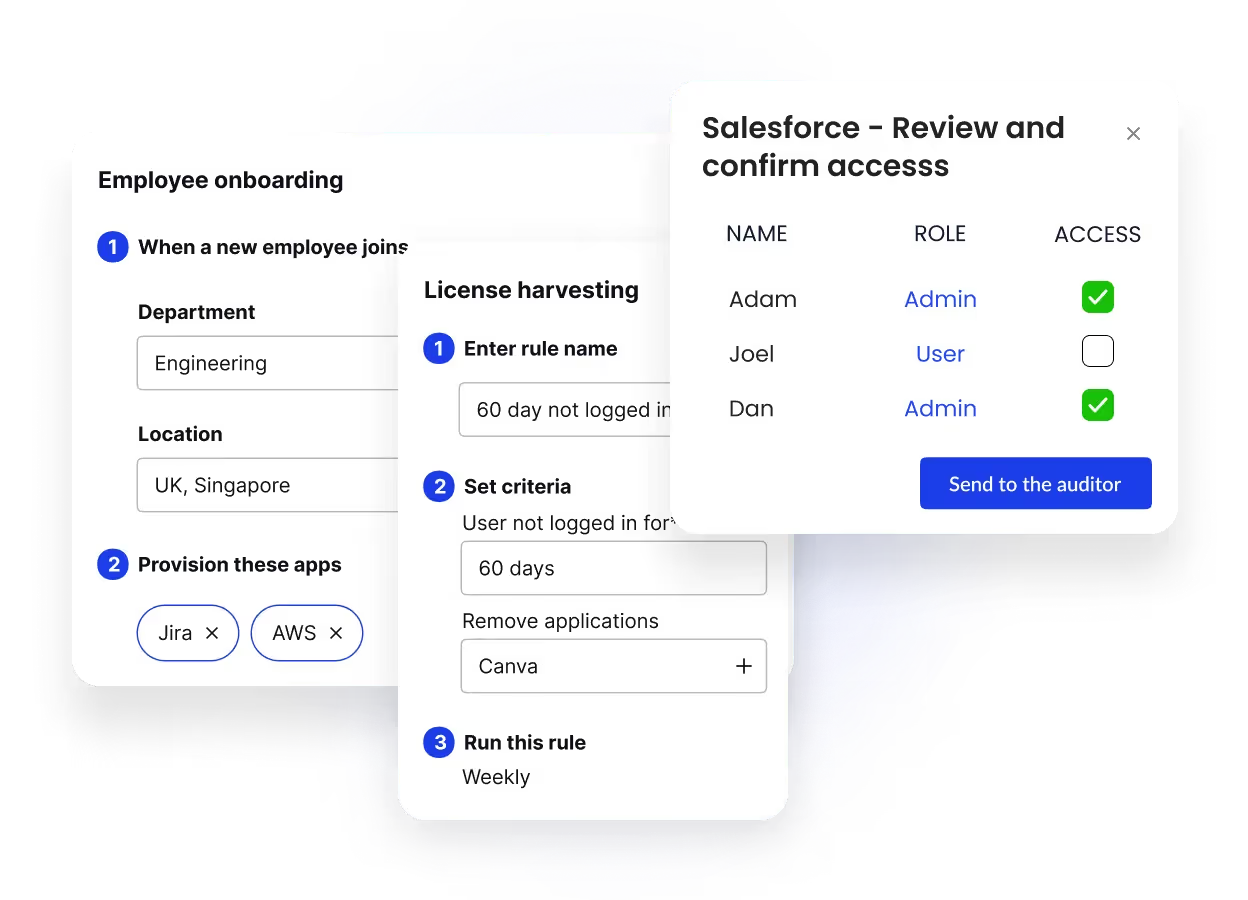
CloudEagle.ai turns this into a continuous, automated, audit-ready process.
Capabilities:
- Auto-collects user/app access from SSO, IDPs, app admins & direct connectors
- Flags overprivileged access, unused accounts & dormant permissions
- Notifies reviewers automatically
- Built-in workflows to approve, revoke, or downgrade access
- Audit-ready logs (SOC2, SOX, ISO)
Benefits:
- 80% faster review cycles
- Eliminate privilege creep & hidden access
- Perfect for SOC2, ISO, SOX, HIPAA audits
2. Full Visibility — Even Beyond SSO (Okta/SailPoint)
Identity tools only manage apps behind the IDP. But 60% of SaaS and AI tools bypass IT.
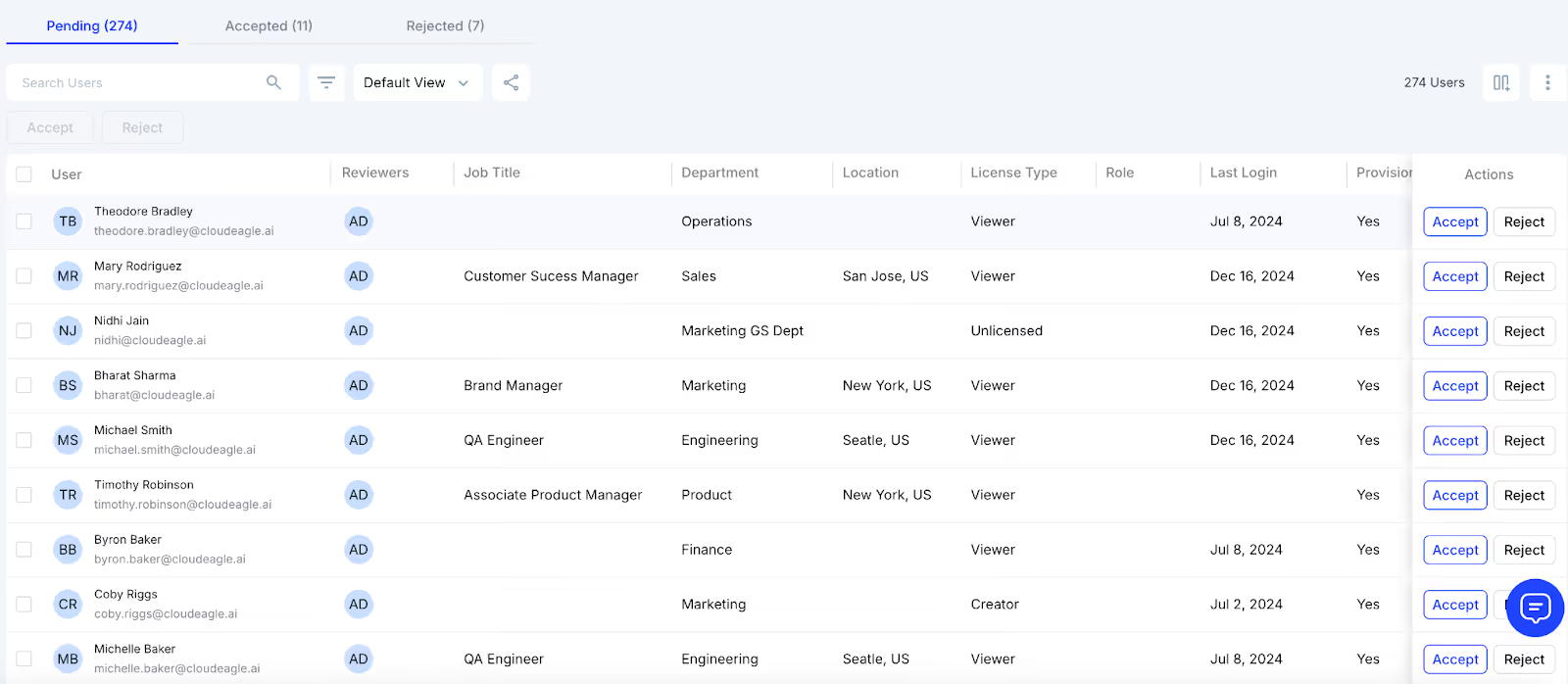
CloudEagle.ai discovers:
- AI tools like ChatGPT, Midjourney, and DeepSeek
- Free-tier SaaS apps
- Browser extensions & team-owned tools
- Apps purchased on credit cards (Shadow IT)
How:
- 500+ direct integrations
- SSO + HRIS + ITSM + finance system signals
- Browser login & spend-based detection
Outcome:
Identify all identities
Identify all apps
Identify all access levels, not just SSO-bound ones
3. Automated Provisioning & Deprovisioning
A major access review failure is ex-employees retaining access. 48% of ex-employees still have access to apps after termination.
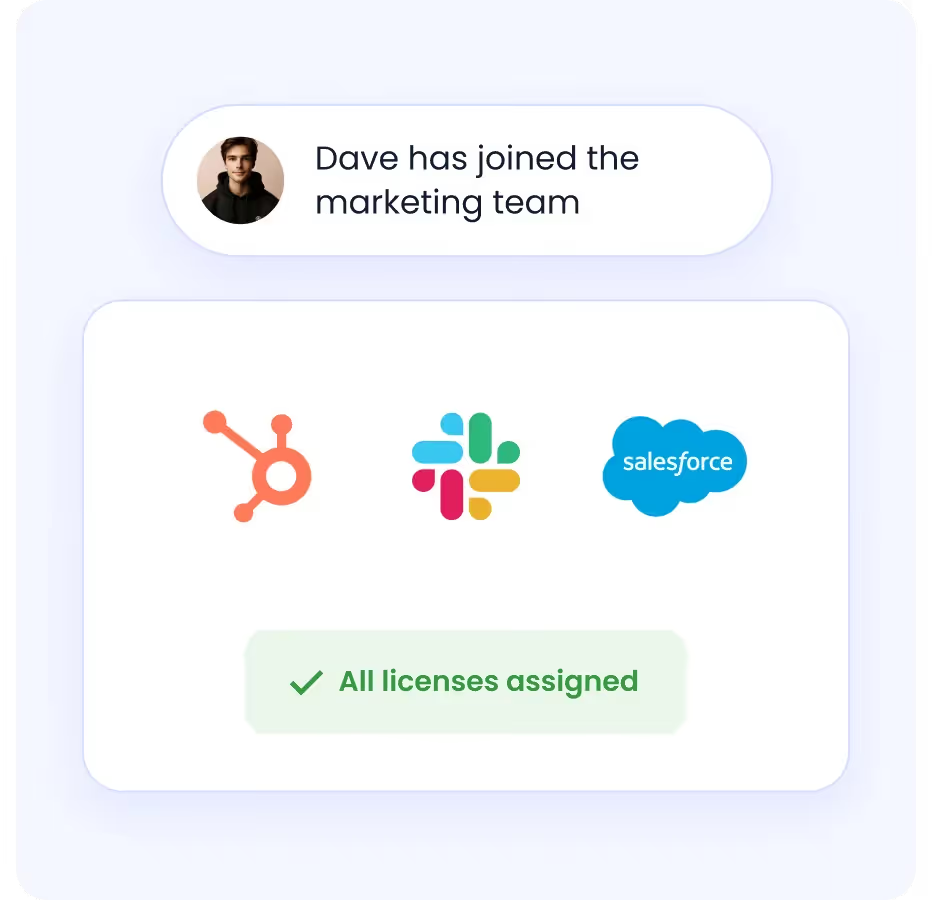
CloudEagle.ai fixes this with:
- Zero-touch provisioning rules
- Auto-detection of new hires, role changes, and terminations
- Auto-remove access, including apps outside Okta/SailPoint
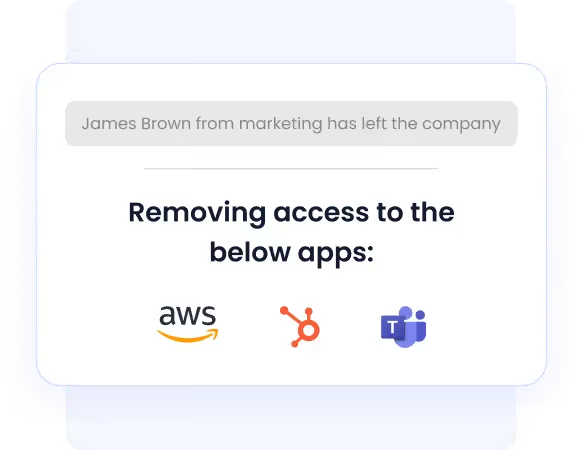
Result:
- No orphaned accounts
- No hanging admin permissions
- No manual offboarding tickets
4. Just-in-Time (JIT) & Time-Based Access
Temp workers & contractors often retain access long after deadlines, 67% of orgs admit this.

CloudEagle.ai enables:
- Auto-expiring access
- JIT admin privileges
- Risk-based approval flows
Perfect for:
- auditors
- contractors
- interns
- project-based access
5. SOC 2-Ready Audit Trails
CloudEagle.ai automatically generates:
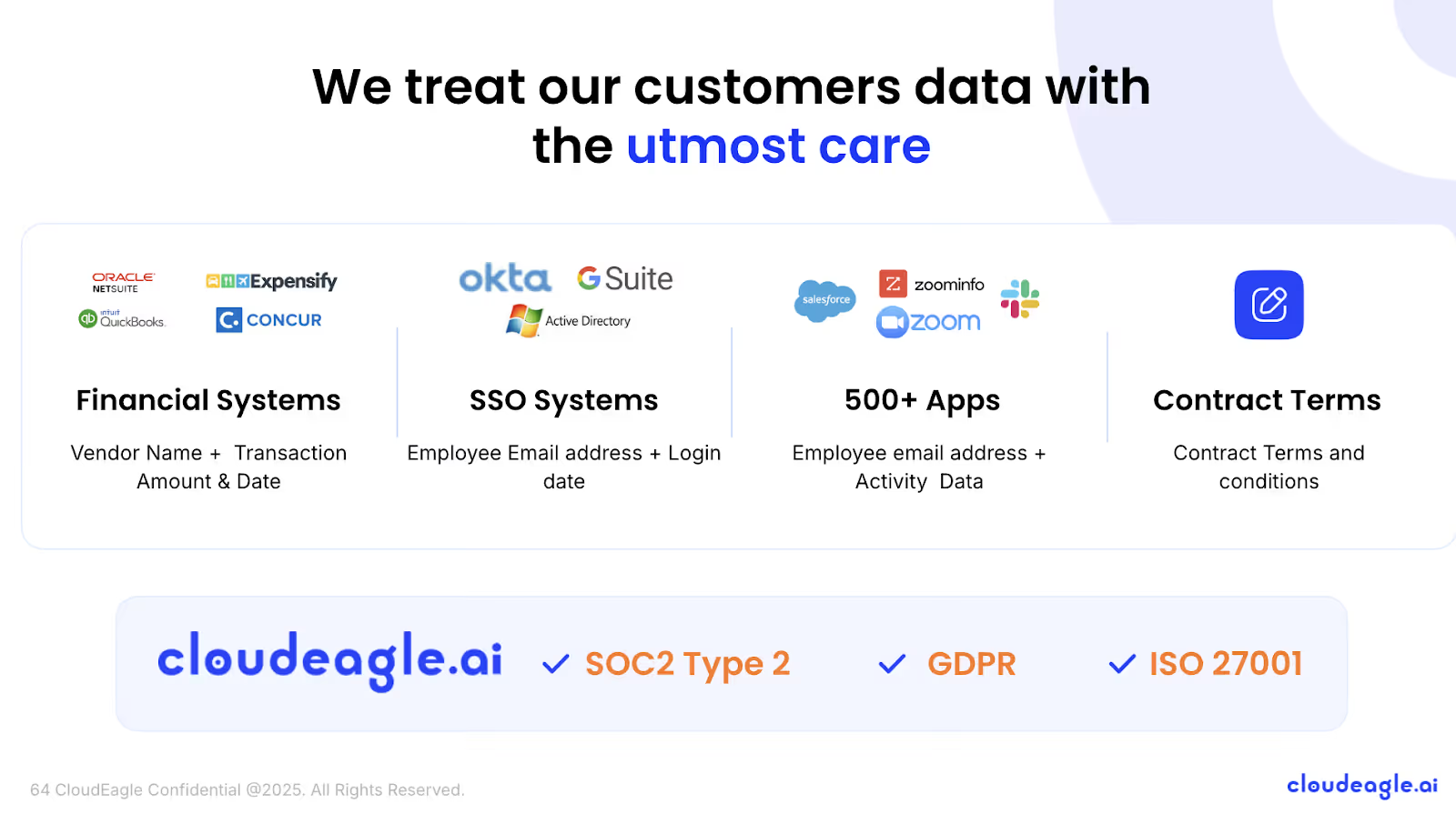
- reviewer decisions
- timestamps
- role mappings
- provisioning/deprovisioning actions
- Evidence for compliance auditors
Used by customers like Lapzo to complete SOC2 prep in 72 hours.
6. AI Risk Detection for Shadow AI Apps
70% of CIOs see unapproved AI tools as a major risk.
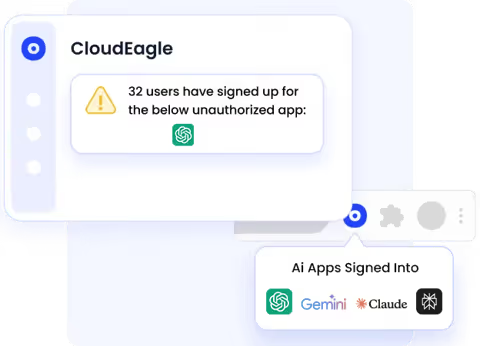
CloudEagle.ai provides:
- AI tool detection
- Data risk scoring
- Policy enforcement workflows
- Alerts when employees start using new AI tools
Pricing
Custom pricing based on the number of employees, apps, and automation scope.
2. SailPoint
SailPoint is one of the most recognized enterprise identity governance review tools designed for complex multi-cloud and hybrid environments.
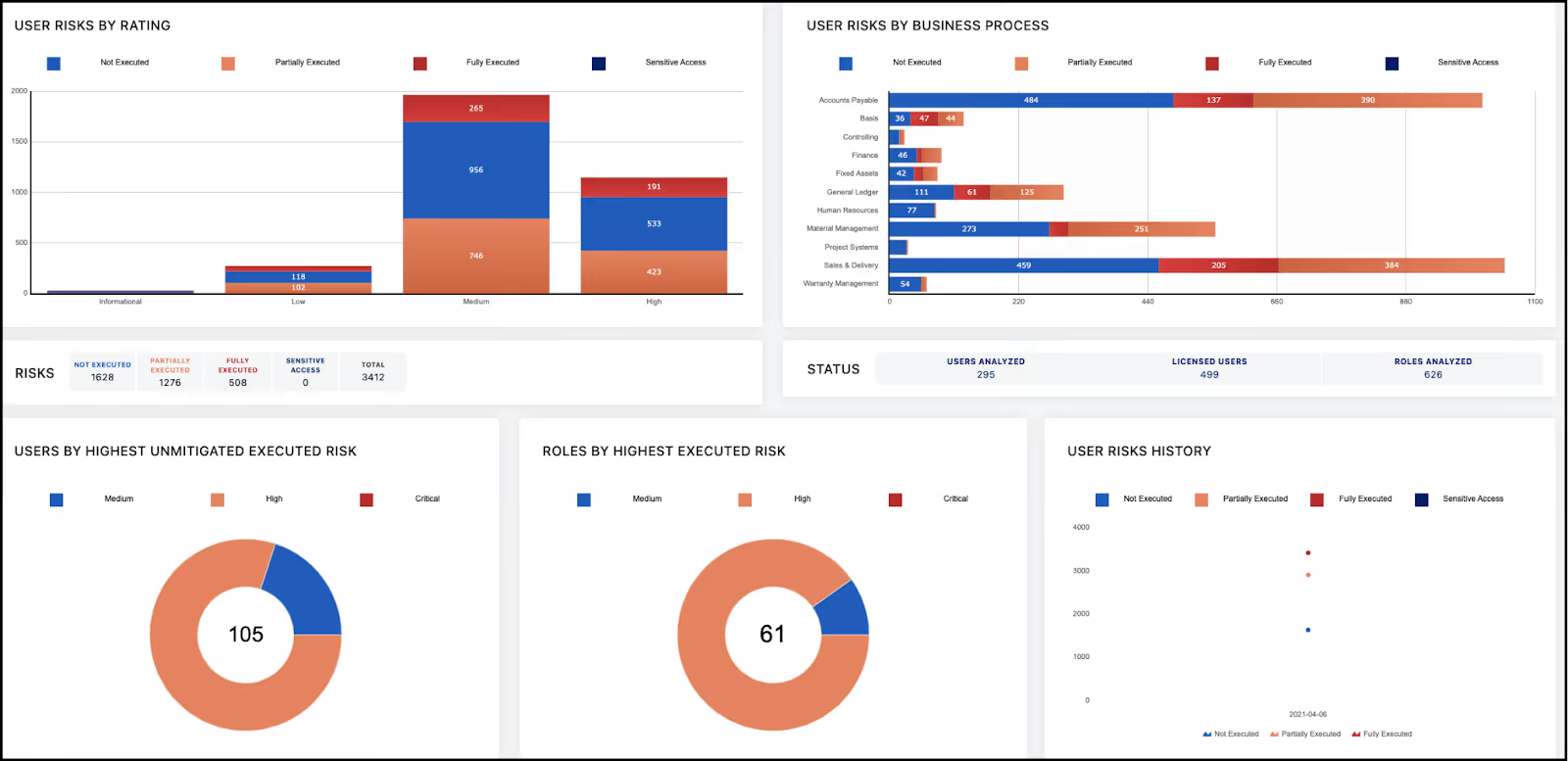
It helps organizations automate user access reviews at scale and maintain compliance with strict audit standards.
Features
- Automated recertification campaigns and policy-based approvals
- Role-based access controls with AI-driven identity insights
- Privileged access governance and granular entitlement analysis
- Comprehensive audit reporting with identity risk scoring
Limitations
- Requires extensive implementation and professional services
- It can be difficult to manage without dedicated IAM staff
- A higher cost structure is not suitable for smaller organizations
Pricing
Enterprise IAM pricing typically starts around $6–$10 per user/month, varies by modules, and deployment size.
3. Okta Identity Governance
Okta IGA expands Okta’s identity access ecosystem with automated access certification and compliance workflows.
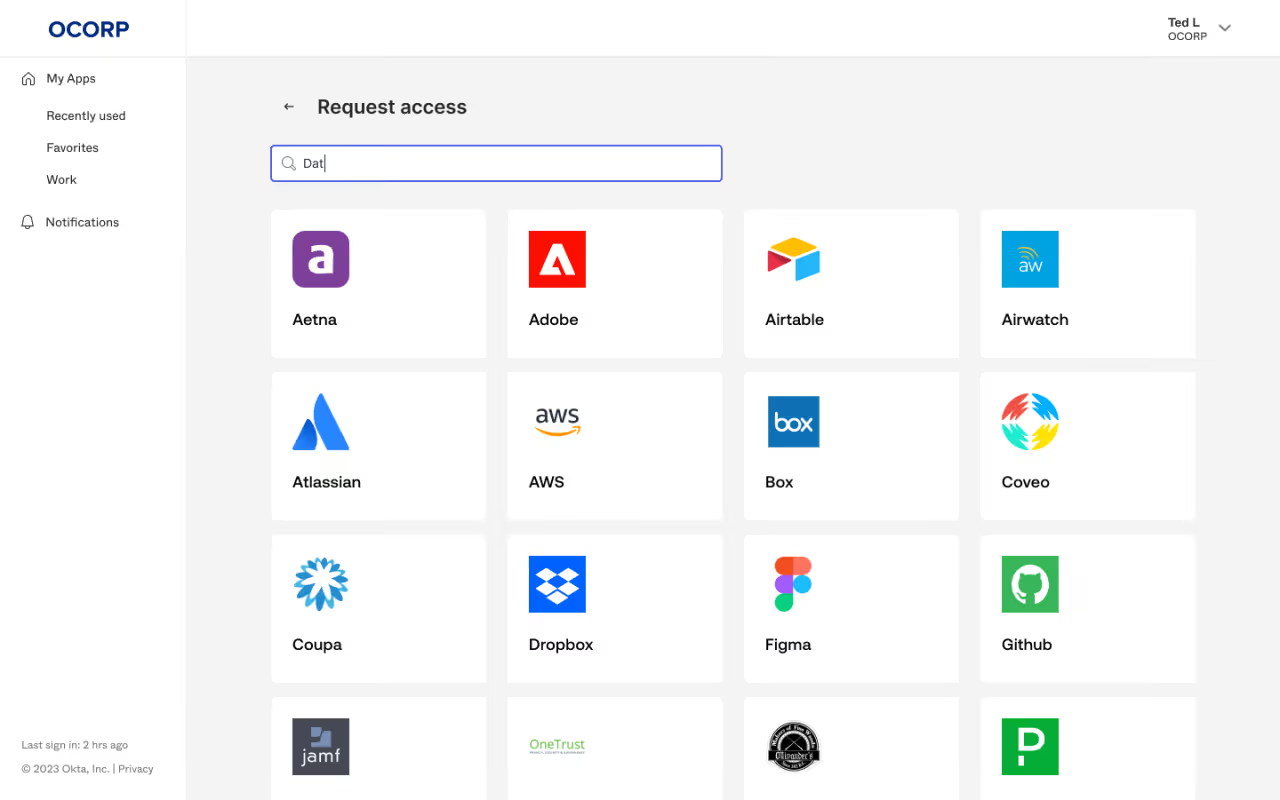
It’s widely used by companies standardizing authentication and provisioning through Okta.
Features
- Automated attestation and access review campaigns
- Lifecycle provisioning and deprovisioning across applications
- Risk-based access insights and MFA enforcement
- Integration with HR systems for role-based identity automation
Limitations
- Limited visibility into real SaaS usage or license consumption
- Advanced certification features require add-on modules
- Less suitable for complex multi-directory environments
Pricing
Governance modules are typically add-ons, beginning around $2–$5 per user/month.
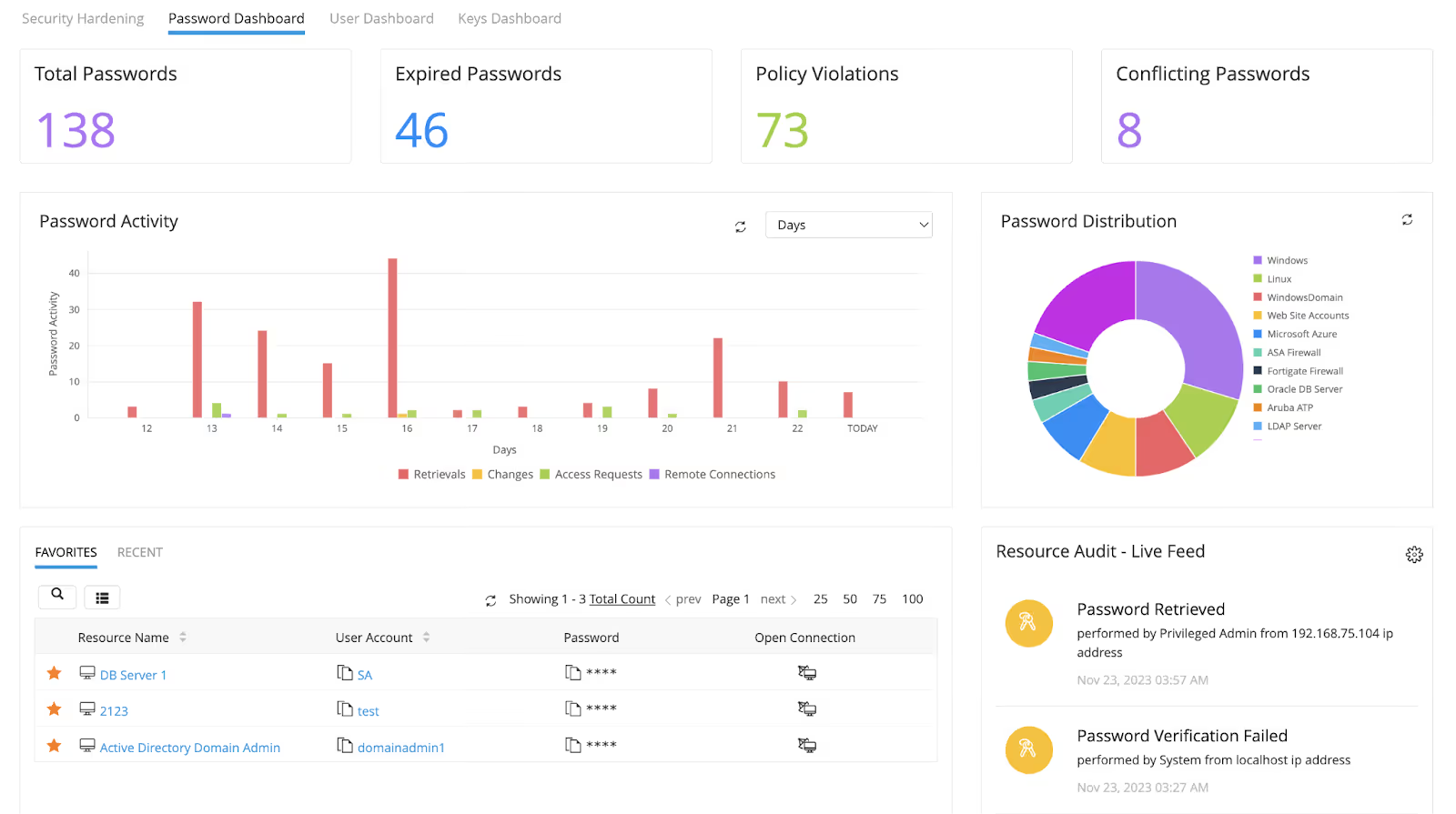
4. ManageEngine Identity Manager Plus
ManageEngine provides an accessible option for organizations seeking automated user access reviews and compliance reporting without the complexity of enterprise-tier tools.
Features
- Scheduled access review campaigns with automated reminders
- Privilege cleanup tools for excessive and unused permissions
- Role-based approval flows and strong audit reporting templates
- Integrates with Active Directory and cloud applications
Limitations
- The user interface is less modern than newer IAM platforms
- Workflow automation is limited compared to premium solutions
- Best suited for midsize teams rather than large global enterprises
Pricing
Affordable; small-team plans start below $250/year, scaling with user volume.
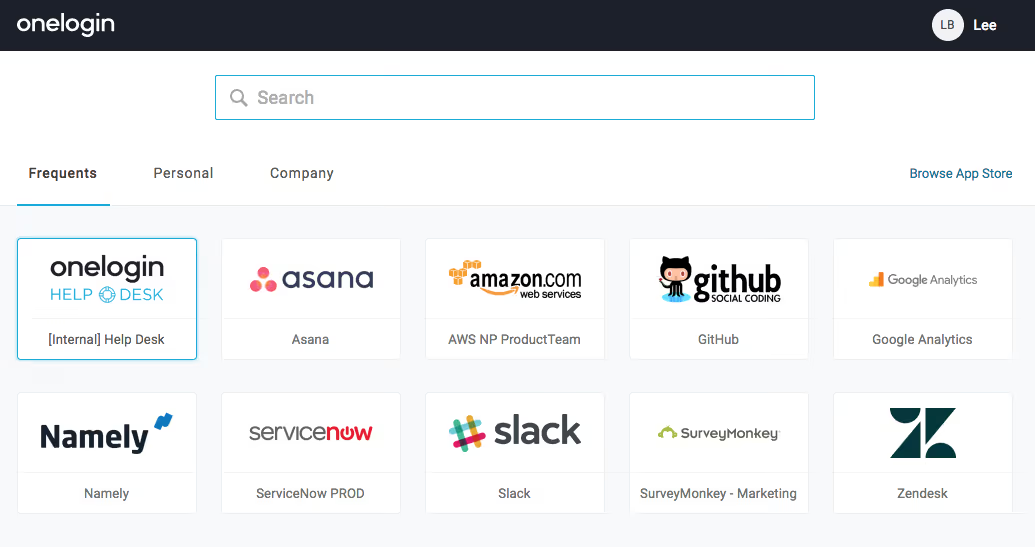
5. OneLogin
OneLogin combines IAM, SSO, MFA, and automated access control audit software into a unified platform, simplifying identity governance and security enforcement.
Features
- Access review and request approval workflows
- Centralized identity directory with MFA enforcement
- Automated provisioning and role-based assignment
- Security dashboards with authentication analytics
Limitations
- Limited advanced access governance automation
- Pricing increases significantly at enterprise scale
- Not designed for complex certification governance
Pricing
Typically $4–$6 per user/month, depending on modules.
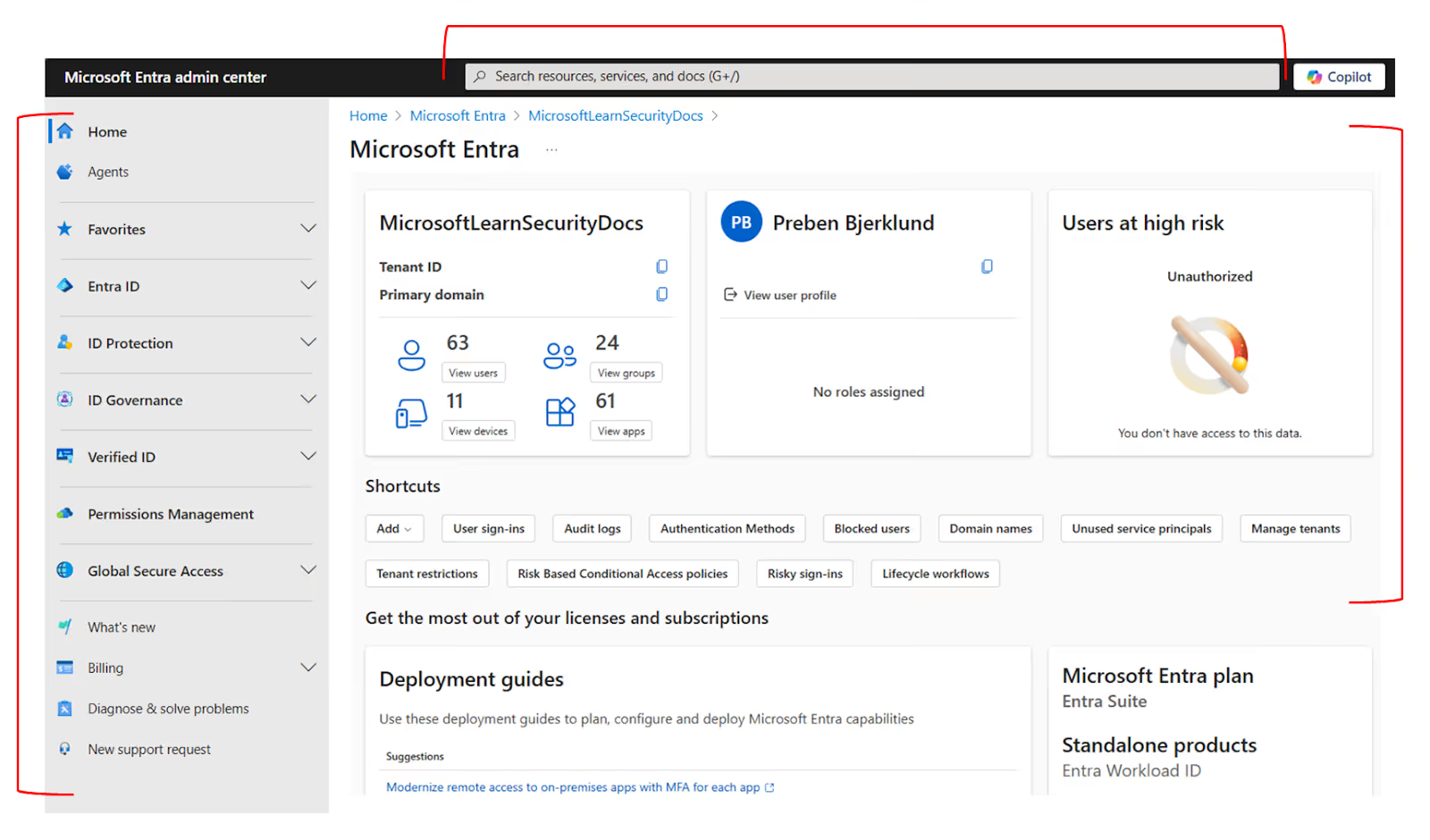
6. Microsoft Entra ID
Microsoft Entra ID (formerly Azure AD) delivers built-in access certification, privileged identity management, and automated lifecycle workflows for Microsoft-centric organizations.
Features
- Automated user access review campaigns and PIM controls
- Conditional Access enforcement and policy automation
- Real-time identity protection and sign-in monitoring
- Tight integration with Microsoft 365, Azure, and hybrid AD
Limitations
- Best suited for Microsoft-heavy environments; limited for others
- Complex licensing structure
- Limited insights into SaaS usage outside managed apps
Pricing
Premium plans from ~$6 per user/month, included in Microsoft 365 Enterprise bundles.
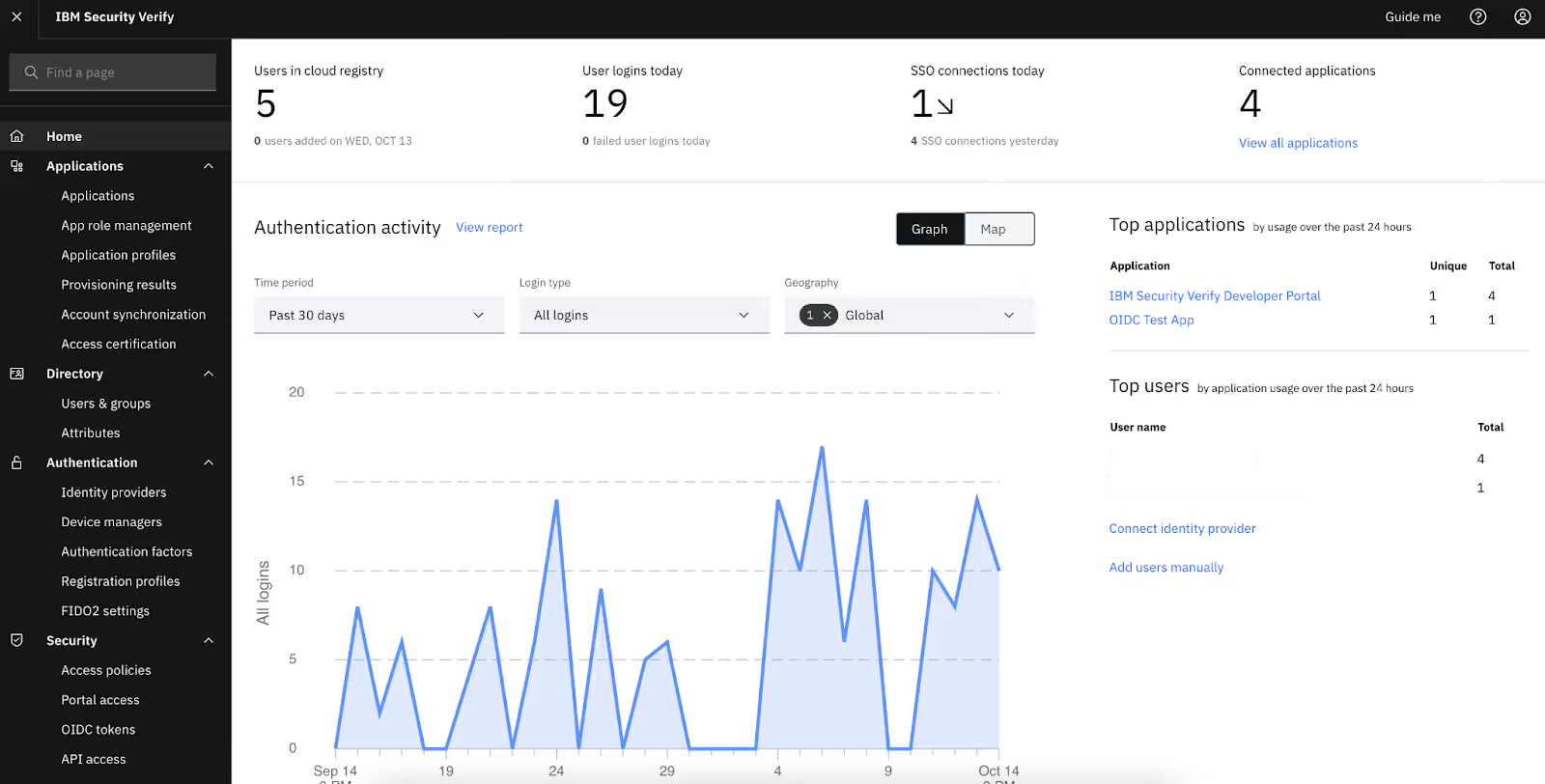
7. IBM Security Verify
IBM Security Verify offers advanced identity analytics, access governance, and continuous monitoring for highly regulated and global enterprise environments.
Features
- Automated certification workflows with AI-driven risk signals
- Continuous identity risk monitoring and anomaly detection
- Comprehensive compliance reporting and audit records
- Hybrid + legacy system compatibility
Limitations
- Higher pricing and resource requirements
- Long onboarding and integration timelines
- Complex interface and configuration
Pricing
Custom quote/enterprise pricing only.
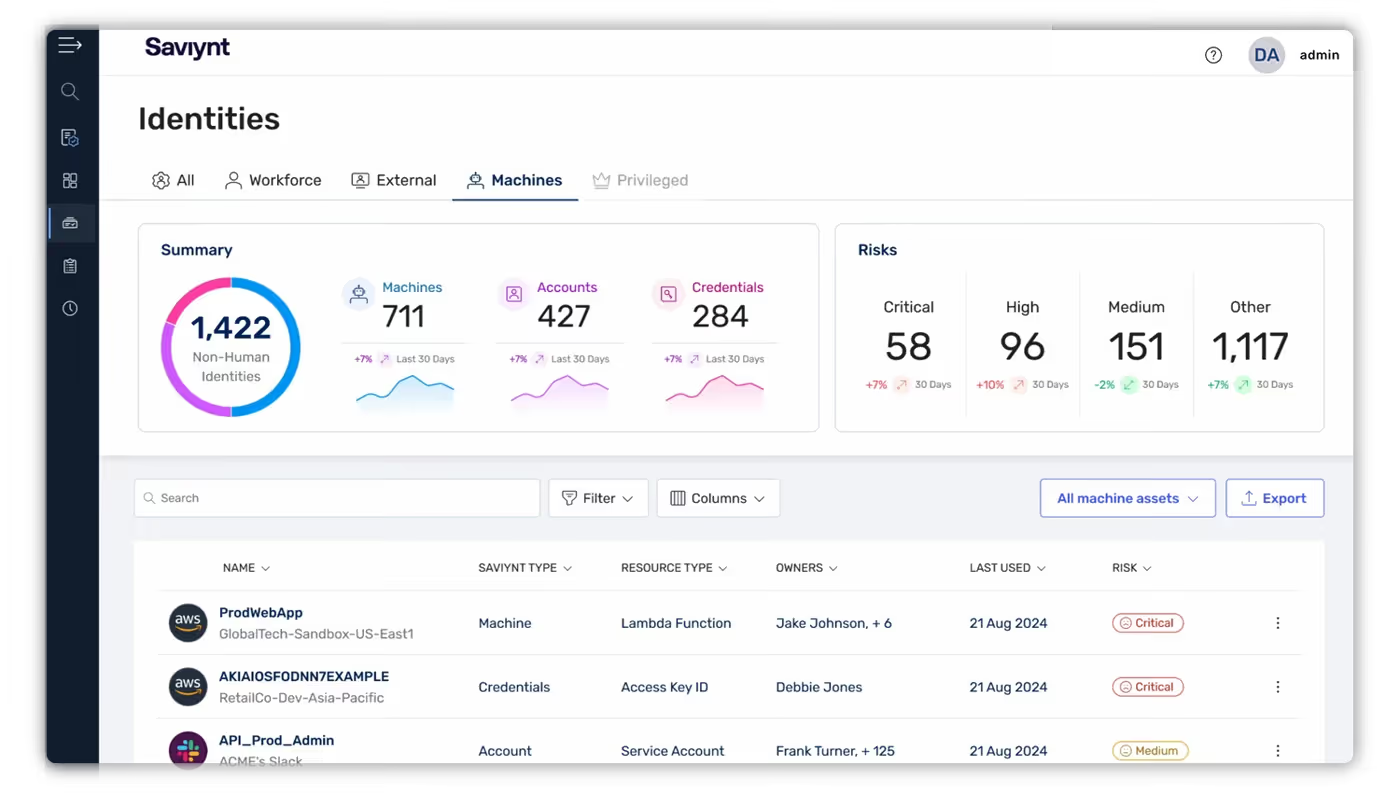
8. Saviynt
Saviynt is a powerful identity governance review platform that provides deep entitlement analytics and extensive compliance automation.
Features
- Intelligent identity risk scoring and access analytics
- Automated role mining and recertification cycles
- Fine-grained access control for cloud infrastructure and apps
- Policy and compliance framework mapping
Limitations
- Requires skilled identity governance admins
- Heavy deployment effort and maintenance overhead
- Costly for smaller organizations
Pricing
Enterprise quote-based pricing.
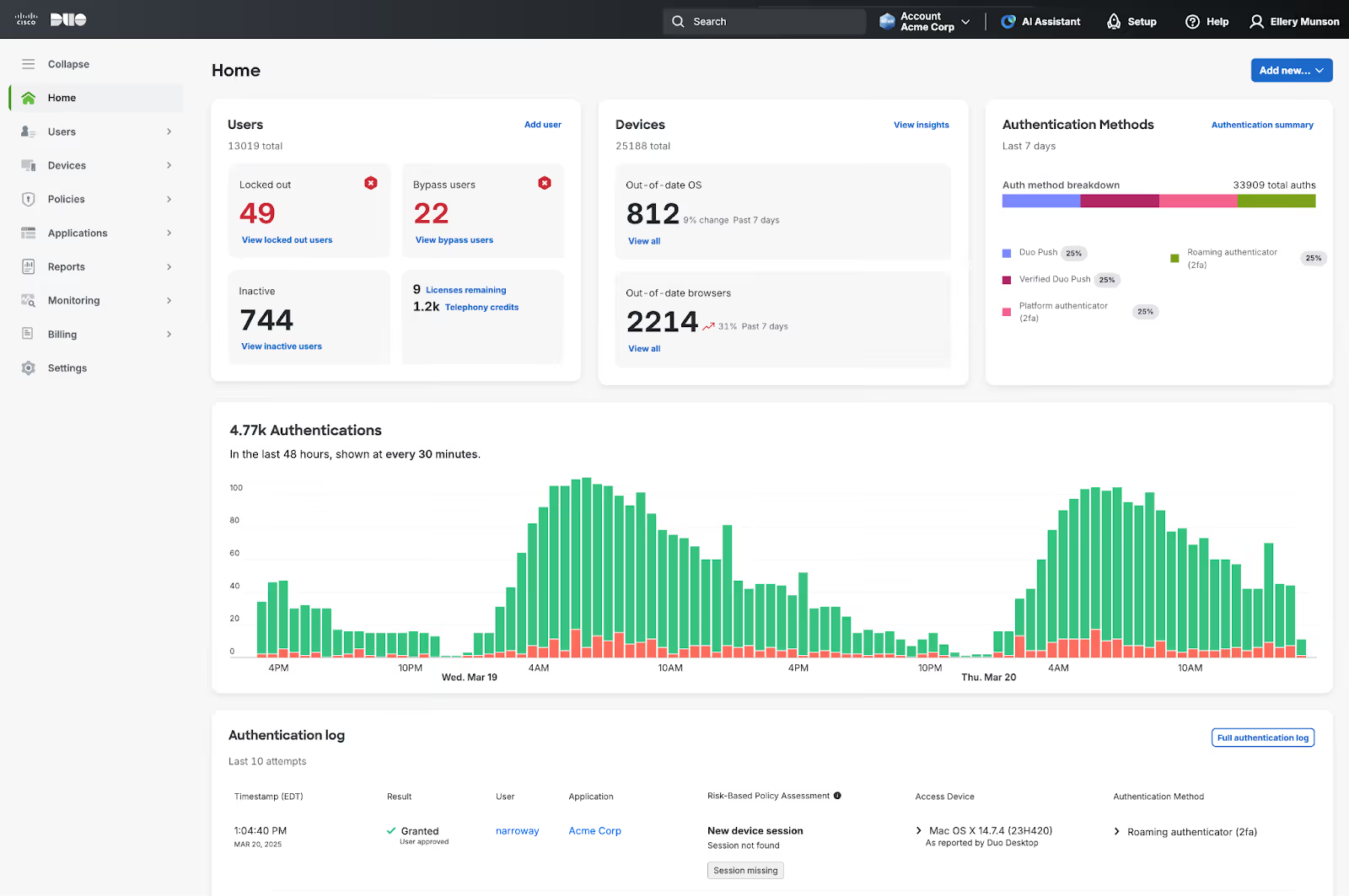
9. Cisco Duo
Cisco Duo is security-focused identity access software supporting lightweight automated user access reviews and zero-trust enforcement.
Features
- Adaptive MFA and continuous authentication
- Device and endpoint trust verification
- Access reporting and centralized policy control
- Secure remote access enforcement
Limitations
- Limited deep certification workflows and entitlement governance
- Not designed for full identity lifecycle automation
- Primarily authentication-oriented
Pricing
Plans range $3–$9 per user/month, depending on tier.
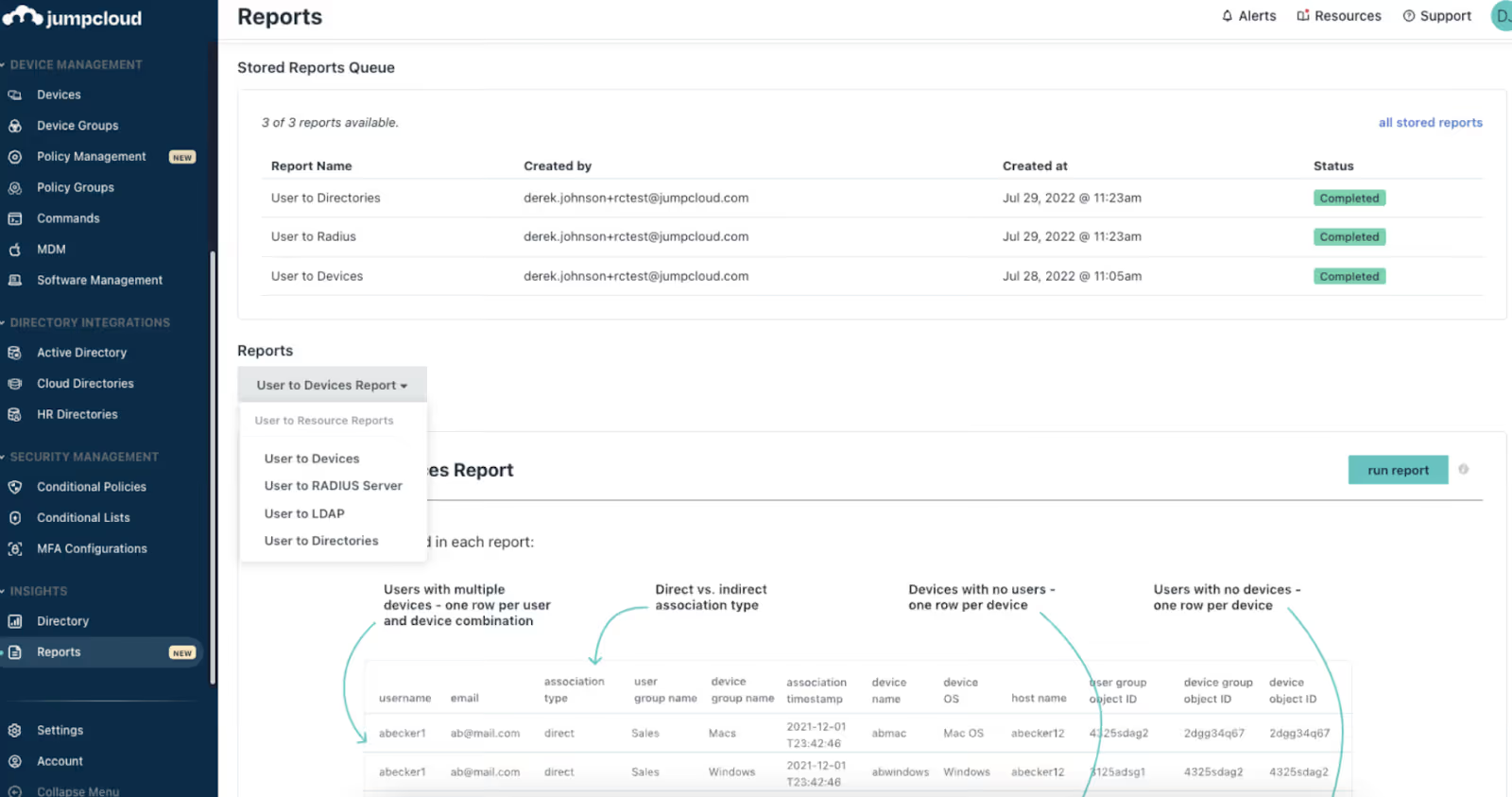
10. JumpCloud
JumpCloud provides unified access control and lifecycle automation for cloud-first organizations, combining directory, device, and identity governance.
Features
- Automated provisioning / deprovisioning across systems
- RBAC and device trust policies with compliance tracking
- Reporting dashboards for audit and review evidence
- Cross-platform identity management (Windows, Mac, Linux)
Limitations
- Limited advanced recertification tooling
- May not scale efficiently for very large enterprises
- Fewer integrations vs enterprise IAM systems
Pricing
Starts at ~$9–$11 per user/month.
4. Key Features of User Access Review Software
1. Role-based access workflows
Supports structured access reviews aligned to job roles and responsibilities.
- Ensures users receive only the access required for their function
- Simplifies large-scale review cycles for enterprise environments
2. Automated recertification
Replaces manual spreadsheets with scheduled campaigns and reviewer dashboards.
- Automates recurring review cycles
- Improves participation and completion accuracy
3. Least-privilege enforcement
Identifies unused roles, outdated admin privileges, and excessive permissions.
- Reduces attack surface and insider-risk exposure
- Prevents privilege creep over time
4. Integration with HR & IAM
Syncs joiner, mover, and leaver events across systems and updates access automatically when roles change.
- Eliminates delays and human error
- Maintains continuous compliance and provisioning accuracy
5. Benefits of User Access Review Software
1. Stronger compliance & audit readiness
Creates repeatable, verifiable audit evidence needed for frameworks like SOC2, ISO27001, HIPAA, and SOX.
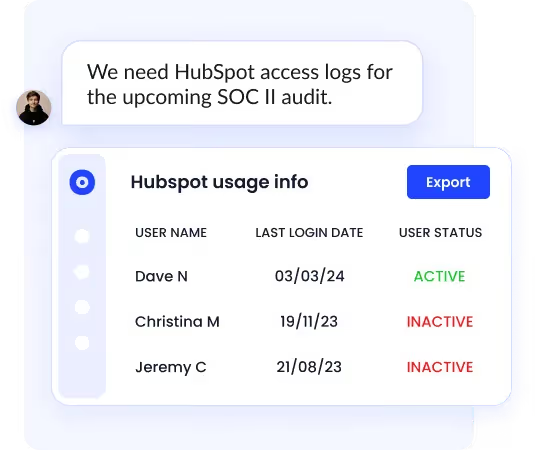
- Reduces audit preparation time
- Ensures clean, defensible access records
2. Reduced manual access review effort
Removes spreadsheet-based processes and accelerates review cycles.
- Saves time for IT & security teams
- Improves clarity and reviewer accountability
3. Lower risk of insider threats
Detects unnecessary access before it becomes a security incident.
- Prevents dormant or excessive accounts from going unnoticed
- Supports zero-trust enforcement at scale
6. Conclusion
User access review tools help organizations protect sensitive data, prove compliance, and keep access aligned with job responsibilities.
Whether you need lightweight reviews for SaaS applications or full enterprise identity governance, the right platform can streamline recertification and reduce risk.
CloudEagle.ai stands out for SaaS access governance across all applications, while enterprise tools like SailPoint and Saviynt are suitable for large organizations with complex identity landscapes.
Book a free demo and see how CloudEagle.ai simplifies access governance.
7. Frequently Asked Questions
1. How often should organizations conduct user access reviews?
Most compliance frameworks recommend quarterly reviews, but high-risk environments like finance or healthcare may require monthly reviews to reduce unauthorized access and privilege creep.
2. Who is responsible for performing user access reviews?
Typically CISOs, IT administrators, security teams, and application owners collaborate. However, many modern UAR tools automate the review cycle so managers can approve or revoke access with minimal manual effort.
3. Can user access review software integrate with both SSO and non-SSO applications?
Yes. Advanced platforms integrate with Entra ID, Okta, Google Workspace, and also support manual or API-based imports for non-SSO apps to ensure full visibility.
4. What compliance standards require user access reviews?
Access reviews are critical for SOC 2, ISO 27001, HIPAA, SOX, GDPR, and PCI DSS. Automated platforms help maintain audit trails, evidence reports, and reviewer sign-offs.
5. What challenges do organizations face when performing manual access reviews?
Manual spreadsheets cause delays, errors, stale accounts, lack of context on user roles, dependency on IT, and difficulty proving compliance during audits.


.avif)


.avif)
.avif)




.png)






.png)
.avif)
.avif)
.avif)


