
%201.svg)


HIPAA Compliance Checklist for 2025

Identity is now the new security perimeter, yet JML workflows haven’t caught up.
Companies today operate across hundreds of SaaS and AI tools, but access provisioning and deprovisioning still live inside spreadsheets, emails, outdated templates, and manual ticket systems.
The challenge is even bigger when you look beyond SSO coverage: 60% of SaaS and AI tools operate outside IT visibility, making manual access governance nearly impossible.
In this blog, we’ll explore why JML workflows break down across SSO and non-SSO apps, the risks they introduce, and how CloudEagle.ai fully automates end-to-end JML across every application in your stack.
TL;DR
- Most JML failures happen because 60% of apps sit outside SSO and remain invisible to IT.
- Manual JML creates privilege creep and stale access, exposing major security and compliance risk.
- CloudEagle.ai discovers and governs all apps, including shadow IT and browser-based AI tools.
- Automated provisioning, role changes, and offboarding remove manual effort and prevent missed access.
- AI-driven access reviews and time-bound access enforce least privilege and cut SaaS waste.
1. Challenges of Managing JML Workflows Across SSO and Non-SSO Apps
Even organizations using tools like Okta or Azure AD run into the same bottlenecks and hidden risks.
a. SSO coverage is limited
Traditional IAM tools govern only apps configured behind the identity provider, but modern environments include:
- AI tools employees buy themselves
- Freemium and browser-based tools
- Tools purchased directly via credit card
- Temporary or pilot tools owned by departments
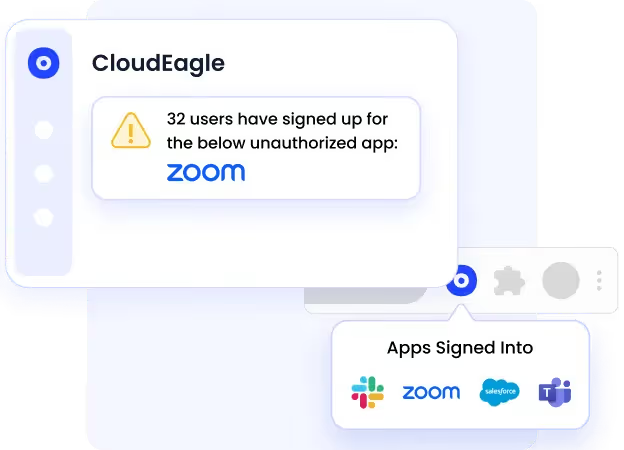
b. Shadow IT compounds the issue
Shadow IT now accounts for 60% of applications in mid-market and enterprise organizations, meaning most apps aren’t governed at all.
c. Manual updates create privilege creep
Employees accumulate access over time because it’s easier to grant permissions than to revoke them.
According to CloudEagle’s 2025 IGA report, 1 in 2 employees retain elevated access they no longer need, and 48% of ex-employees retain access for 6+ months after termination, creating uncontrolled risk.
d. Non-SSO apps fall through the cracks
With stacks ranging from 150 to 800 SaaS tools, IT is forced to:
- Log into dozens of admin dashboards
- Track approvals manually
- Search for permissions without visibility
e. JML breaks down during role changes
Movers frequently accumulate access instead of losing access that’s no longer appropriate, a major reason audits fail due to privilege creep and incomplete deprovisioning.
2. Understanding Current Access Management Practices in Organizations
According to the CloudEagle 2025 IGA Report:
- 70% of CIOs say AI tools pose the highest new security risk.
- 95% of companies still perform access reviews manually, only quarterly or annually.
- 67% of temporary workers retain access after contracts end.
- Finance, IT, and Go-to-Market teams frequently purchase tools outside SSO and procurement processes.
a. What the Mover Process Looks Like Today
Even with modern IT systems in place, most organizations still handle role changes manually across multiple tools and teams:
- HR updates the role in HRIS platforms like Workday, but IT often learns about the change late, after access should already have shifted.
- IT manually modifies access, revoking old permissions and adding new ones one app at a time across Slack, Google Workspace, Salesforce, Jira, and more.
- Managers submit extra requests late, creating delays and bottlenecks when additional tools are needed mid-transition.
- Chasing confirmations consumes time as HR and managers follow up via Slack, emails, and tickets to ensure the transition was handled correctly.
b. Why This Approach Fails
Despite best intentions, manual role-change management consistently breaks down due to visibility, speed, and accuracy challenges:
- Fragmented systems: HR, IT, procurement, finance, and app owners rarely share real-time data, resulting in missed updates and outdated permissions.
- Manual updates take hours — every change depends on human effort, slowing transitions and impacting employee productivity.
- No centralized visibility: teams rely on spreadsheets and inconsistent ticket histories, making it nearly impossible to track what access has been modified and where gaps remain.
- Privilege creep and access risk: According to the CloudEagle IGA Report, over 40% of employees retain old permissions after a role change, exposing organizations to unnecessary compliance and security risk.
3. The Security Risks of Manual JML Across Multiple Apps
When JML workflows span SSO + non-SSO apps without automation, risk multiplies.
a. Orphaned and stale accounts
48% of former employees retain access months after leaving, a direct data breach threat.
These forgotten accounts often sit unnoticed in unmanaged or non-SSO tools, creating open doors for credential misuse or insider incidents.
b. Privilege creep
Without continuous monitoring, excessive permissions accumulate silently, and 1 in 2 employees keep elevated access without a business need.
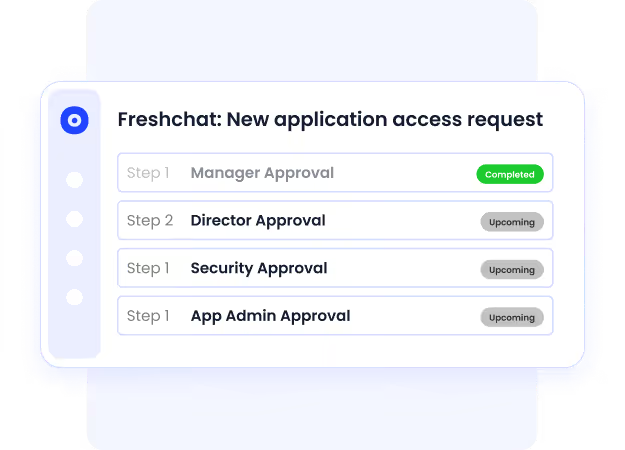
Over time, access stacks up across roles, making it nearly impossible to enforce least-privilege or prove access justification during audits.
c. Shadow AI-driven leakage
AI tools are adopted within hours of launch, far faster than governance workflows can respond.
When users connect tools without approval, sensitive data can leave the organization instantly, with zero visibility for IT or security.
d. Compliance failures
SOC2, ISO, GDPR, and SOX require:
- Demonstrable least privilege
- Timely deprovisioning
- Complete audit trails
Spreadsheets and tickets cannot provide that.
4. How CloudEagle.ai Automates JML Workflows Across ALL Apps (SSO + Non-SSO)
CloudEagle solves the gaps IAM tools can’t, by governing every application an employee touches, whether paid, free, SSO-integrated, browser-based, or completely unmanaged.
a. Unified App Discovery & Centralized Visibility
Seeing who has access to what across hundreds of SaaS and AI tools shouldn’t feel impossible, but today, it often does.

- Challenge: Most organizations only track apps behind SSO, leaving shadow IT, browser-based AI tools, and unmanaged apps completely invisible. Without a centralized inventory, IT wastes hours piecing together access data from multiple consoles and spreadsheets.
- CE Solution: CloudEagle.ai discovers every app an employee touches using SSO signals, browser logins, and spend intelligence, building a real-time, unified access inventory across all SaaS and AI tools, including those outside IDP coverage.
- Outcome: IT, HR, and security finally share one accurate view of application access. Decisions are faster, audits are cleaner, and access no longer slips through the cracks.
Organizations using CloudEagle report up to 70% fewer tracking errors during provisioning and role transitions.
b. Zero-Touch Provisioning for Joiners
Day-one productivity shouldn’t depend on how fast someone responds to a ticket.
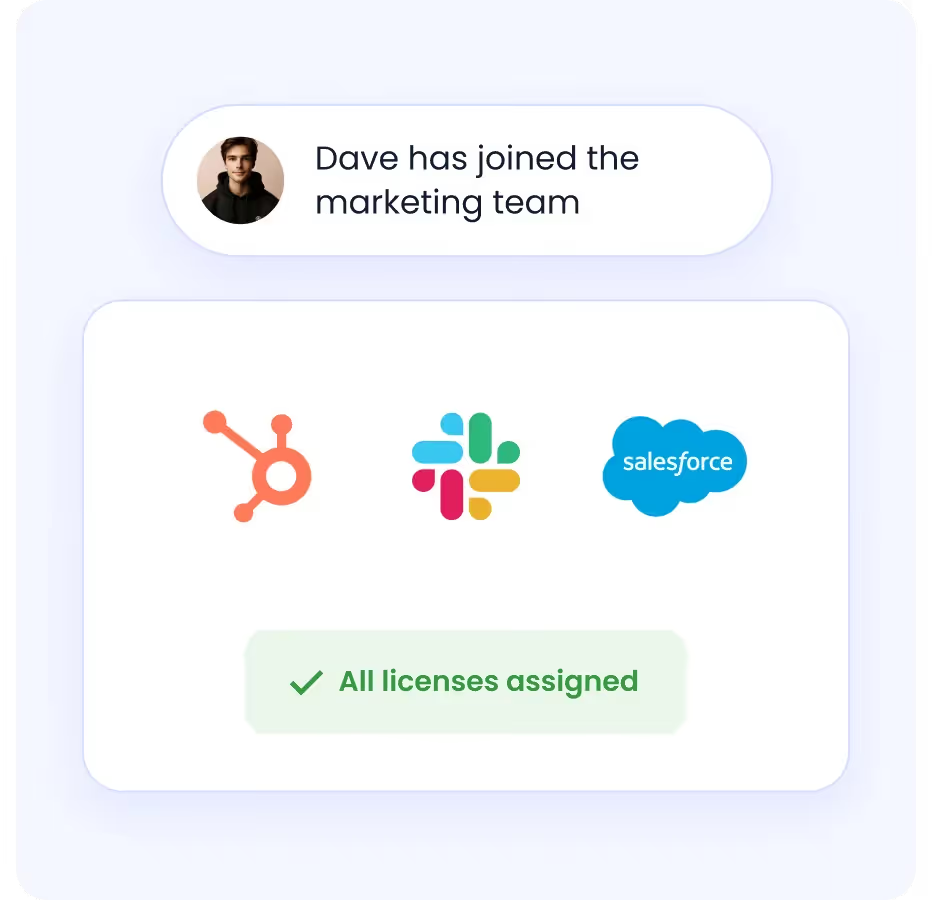
- Challenge: IT teams manually provision 10–30 tools per employee across multiple admin consoles, slowing down onboarding and increasing the chance of misconfigured or missed access.
- CE Solution: CloudEagle.ai provisions access automatically using role-based rules, department-level logic, and workflow approvals integrated into Slack, Teams, and HRIS systems like Workday and BambooHR.
- Outcome: New hires receive instant access to everything they need, including non-SSO apps, without IT intervention.
Customers cut onboarding time from days to minutes and improve digital employee experience dramatically.
c. Real-Time Access Updates for Role Changes
Role changes shouldn’t leave employees waiting or over-exposed.

- Challenge: When employees move roles, access updates rely on emails and tickets. Old access remains active, privilege creep grows, and new access is granted late, slowing productivity.
- CE Solution: CloudEagle.ai automatically re-evaluates permissions the moment HRIS data changes and adjusts access across all apps, removing what’s no longer needed and provisioning what is required.
- Outcome: Employees transition seamlessly with the right access at the right time, while IT eliminates overprovisioning and risk. Teams using CloudEagle reduce manual update work by 40–50 hours/month.
d. Automated Offboarding Across SSO + Non-SSO Apps
Offboarding is where security failures are most expensive and often unnoticed.
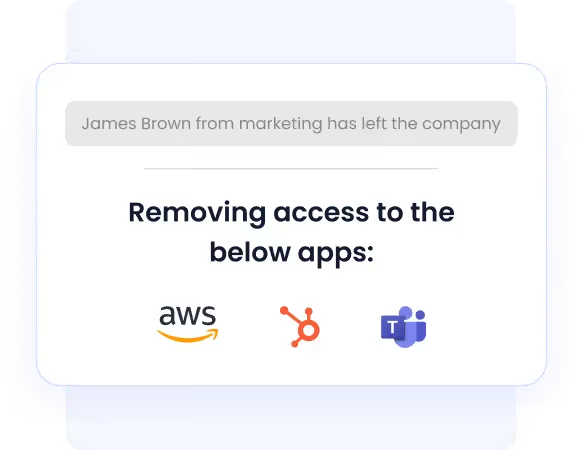
- Challenge: Termination workflows rarely include every tool, especially unmanaged SaaS apps. Without full visibility, offboarding is incomplete and dangerous.
- CE Solution: CloudEagle.ai triggers complete offboarding the moment an HRIS or ITSM ticket signals exit, revoking access across SSO apps, unsanctioned SaaS, and AI tools, and reclaiming licenses automatically.
- Outcome: No more forgotten accounts, dormant licenses, or insider exposure risk.
This directly eliminates 48% of lingering access revealed in the CloudEagle IGA Report.
e. Continuous, AI-Powered Access Reviews
Quarterly review cycles are too slow for modern SaaS security.
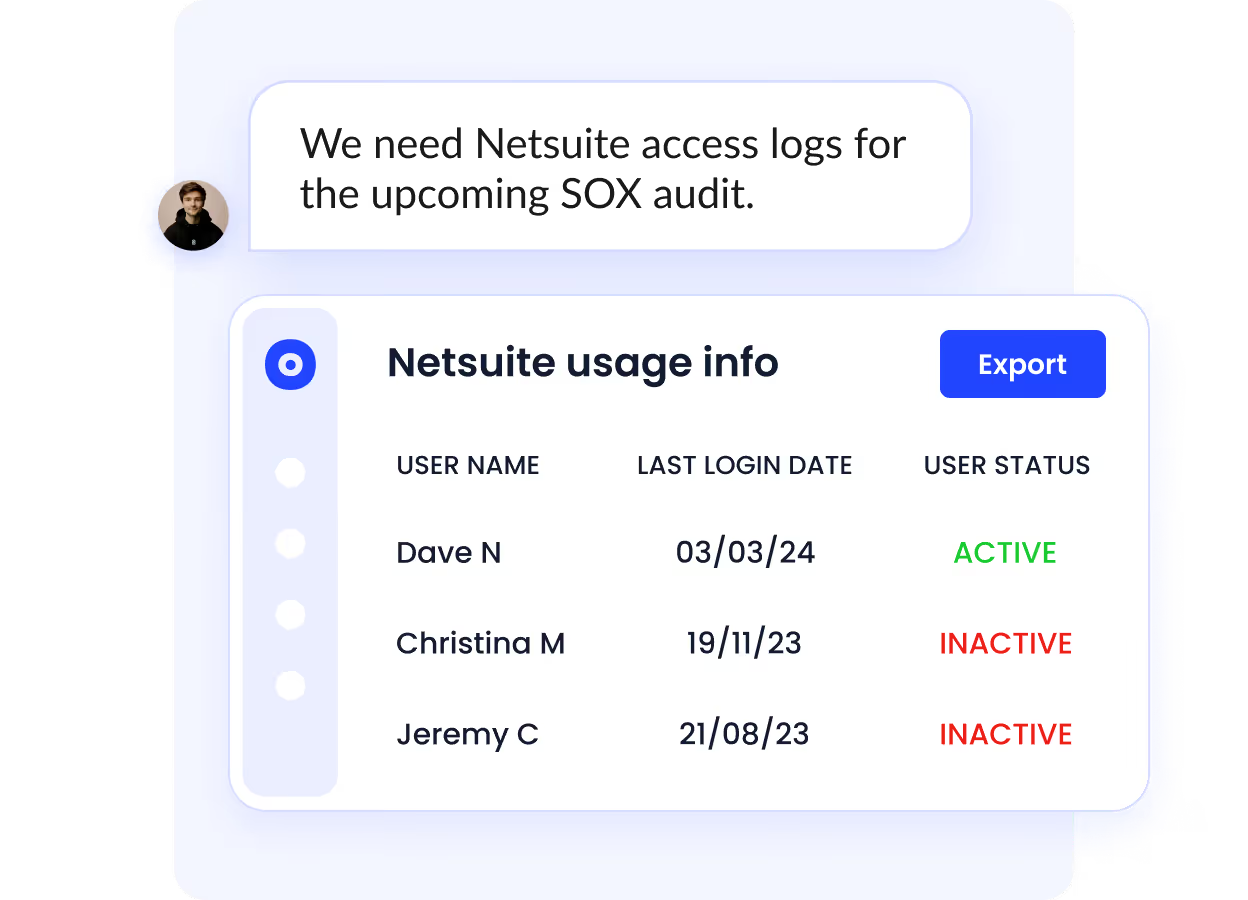
- Challenge: Manual access reviews across hundreds of apps result in outdated records, errors, and audit failures, especially when data lives in spreadsheets.
- CE Solution: CloudEagle’s EagleEye AI continuously monitors permissions, flags misaligned or risky access, and recommends least-privilege corrections with one-click remediation.
- Outcome: Access governance becomes proactive instead of reactive, and compliance reviews finish in hours, not months. Organizations complete SOC2 reviews up to 80% faster.
f. Time-Bound Access for Contractors and Temporary Users
Temporary access shouldn’t become permanent exposure.
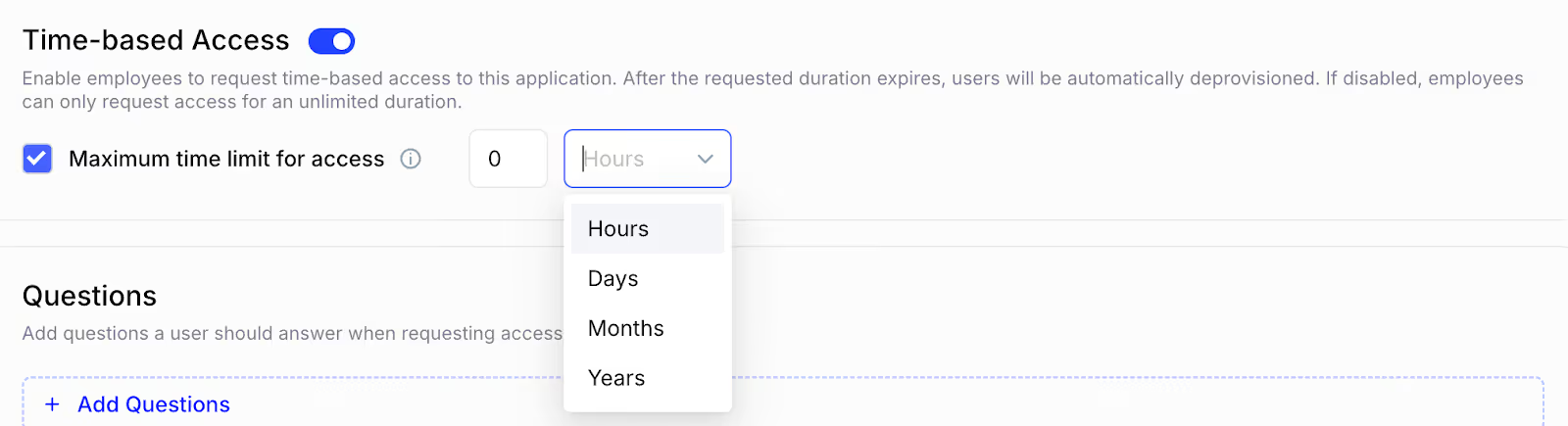
- Challenge: Contractors and vendors commonly retain access far beyond project end; 67% keep access after contracts end, according to the IGA Report.
- CE Solution: CloudEagle assigns time-based or usage-based expiration automatically, ensuring access disappears without manual intervention.
- Outcome: Reduced risk, reduced license waste, and a secure, least-privilege environment without extra tracking effort.
5. Why CloudEagle.ai is the Right Solution for Secure, Unified JML Management
Managing JML shouldn’t be a mix of spreadsheets, manual approvals, and hidden risk. CloudEagle.ai eliminates the manual burden and unifies SaaS governance, identity, and access automation in one platform.
CloudEagle.ai is the only platform that:
- Governs all apps, even those outside IDP/SSO
- Detects shadow IT using login + spend + browser signals
- Automates provisioning and offboarding end-to-end
- Provides SOC2-ready audit logs in real time
- Saves 10–30% on SaaS spend through license reclamation
- Works seamlessly alongside Okta, Azure AD, and other IDPs
Who benefits?
- CIO / CISO: centralized security and identity governance
- IT: fewer tickets, no manual cleanup, automated workflows
- Security: continuous monitoring and least-privilege control
- Finance & Procurement: elimination of unused licenses and duplicate tools
6. Conclusion
As SaaS and AI environments expand, relying solely on IAM or SSO to run JML workflows is no longer viable.
Modern organizations need a platform that discovers every app, governs every identity, and automates every transition, joiner, mover, and leaver.
CloudEagle.ai delivers end-to-end governance and automation across all apps, not just SSO-connected ones, enabling secure scaling, eliminating manual effort, and preventing access risk before it happens.
Automate your JML workflows with CloudEagle.ai, and turn role changes and access management into effortless, secure, real-time automation.
Book a free demo and see it in action.


.avif)


.avif)
.avif)




.png)








.avif)
.avif)
.avif)


