Privileged Access Management Platform
Excessive Privileges Can Cost Your Compliance
Stay ahead of compliance requirements and security threats. Automatically identify and revoke excessive privileges in real-time, no manual reviews, no waiting for the next audit cycle.







Prevent Privilege Creep Before It Becomes Risk
Imagine: Employees across your organization have different levels of access to various tools. Over time, some users end up with too many privileges, either due to role changes or errors, creating unnecessary security risks.
Without CloudEagle.ai
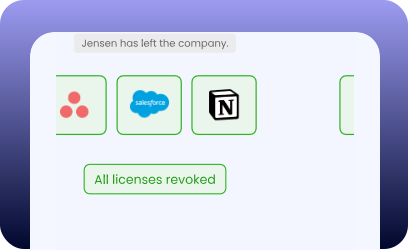
With CloudEagle.ai
.webp)

Take Control of Excessive Privileges With Continuous Access Governance
Continuous Visibility Into Privileged and High-Risk Users
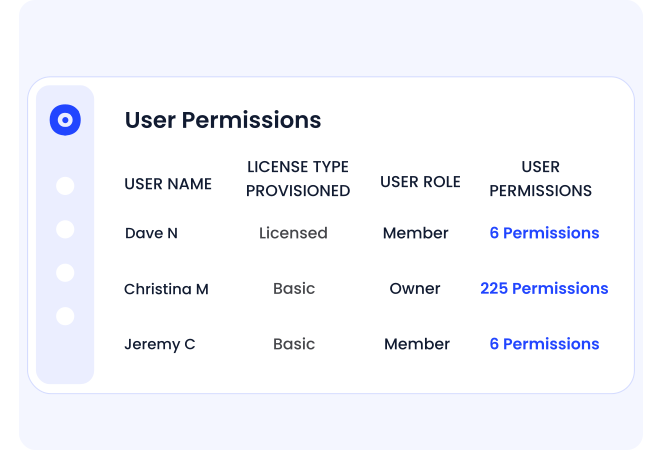
- Identify users with privileged and over-privileged roles across applications and systems
- Detect access that exceeds least-privilege requirements based on role, usage, and risk
- Eliminate blind spots created by fragmented identity tools and incomplete access data
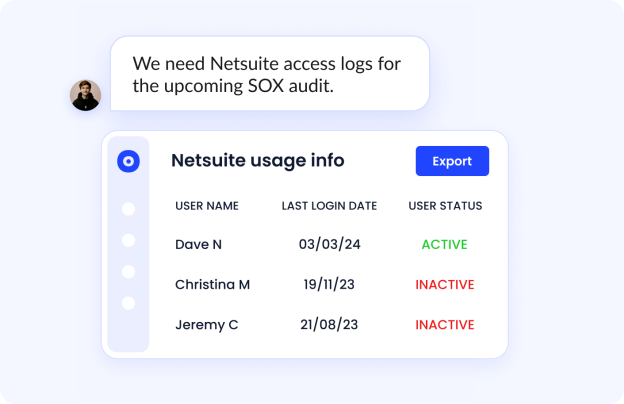
Automate Access Reviews Without Burdening IT
- Trigger least-privilege access reviews automatically when behavior or usage changes
- Remove excess privileges through structured, policy-driven workflows
- Prevent privilege creep caused by infrequent or manual recertification cycles
Eliminate Standing Privileges and Stay Compliant

- Demonstrate continuous compliance with Zero Trust access controls
- Maintain complete documentation of who approved, revoked, or modified access, and when
- Meet SOC 2 and ISO 27001 access control requirements with automated least-privilege reviews
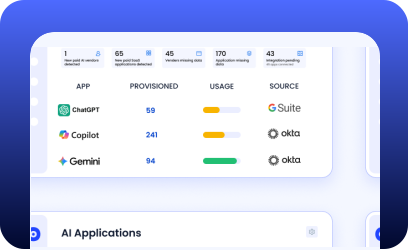
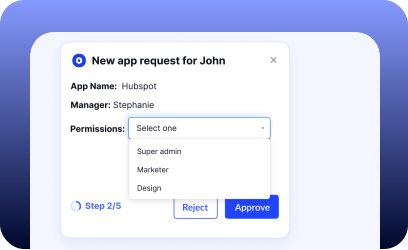
Optimize All Your SaaS and AI with One AI-Powered Platform
Frequently Asked Questions
CloudEagle.ai continuously analyzes user roles, permissions, and activity to detect unnecessary admin rights or elevated access levels, alerting IT before they become security risks.
Privileged users can access sensitive systems, making them prime targets for breaches. Proper management prevents misuse, insider threats, and accidental exposure.
CloudEagle.ai syncs with HRIS and identity systems to automatically grant, adjust, or revoke access the moment an employee joins, switches roles, or exits—without manual IT intervention.
Delays or missed updates can leave employees with outdated or excessive access, leading to privilege creep, data exposure, and increased security vulnerabilities.
CloudEagle.ai tracks role changes in real time and automatically removes access no longer needed, ensuring employees only keep the permissions appropriate for their current role.
CloudEagle.ai maintains accurate access records, enforces least-privilege access, and generates audit-ready documentation to help organizations meet SOC 2, SOX, HIPAA, and ISO requirements.
Automated deprovisioning immediately removes access when someone leaves or changes roles, eliminating orphaned accounts and preventing unauthorized access to critical systems.
CloudEagle.ai centralizes access data, highlights high-risk accounts, and automates review workflows so managers can easily approve, revoke, or adjust access with complete visibility.
A strong JML process ensures that users always have the right access at the right time, reducing vulnerabilities, eliminating unused accounts, and keeping SaaS environments secure and compliant.
Reduce Excess Privileged Access Effectively
Book a DemoExcessive Privileged User Best Practices Checklist
